Digital.ai Testing 26.1 Release Notes
iOS Test Recorder
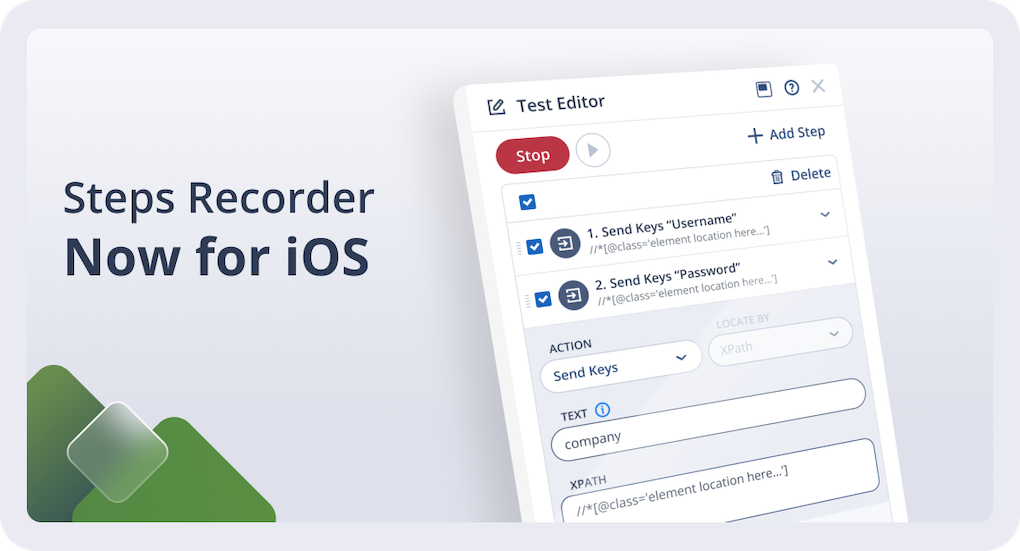
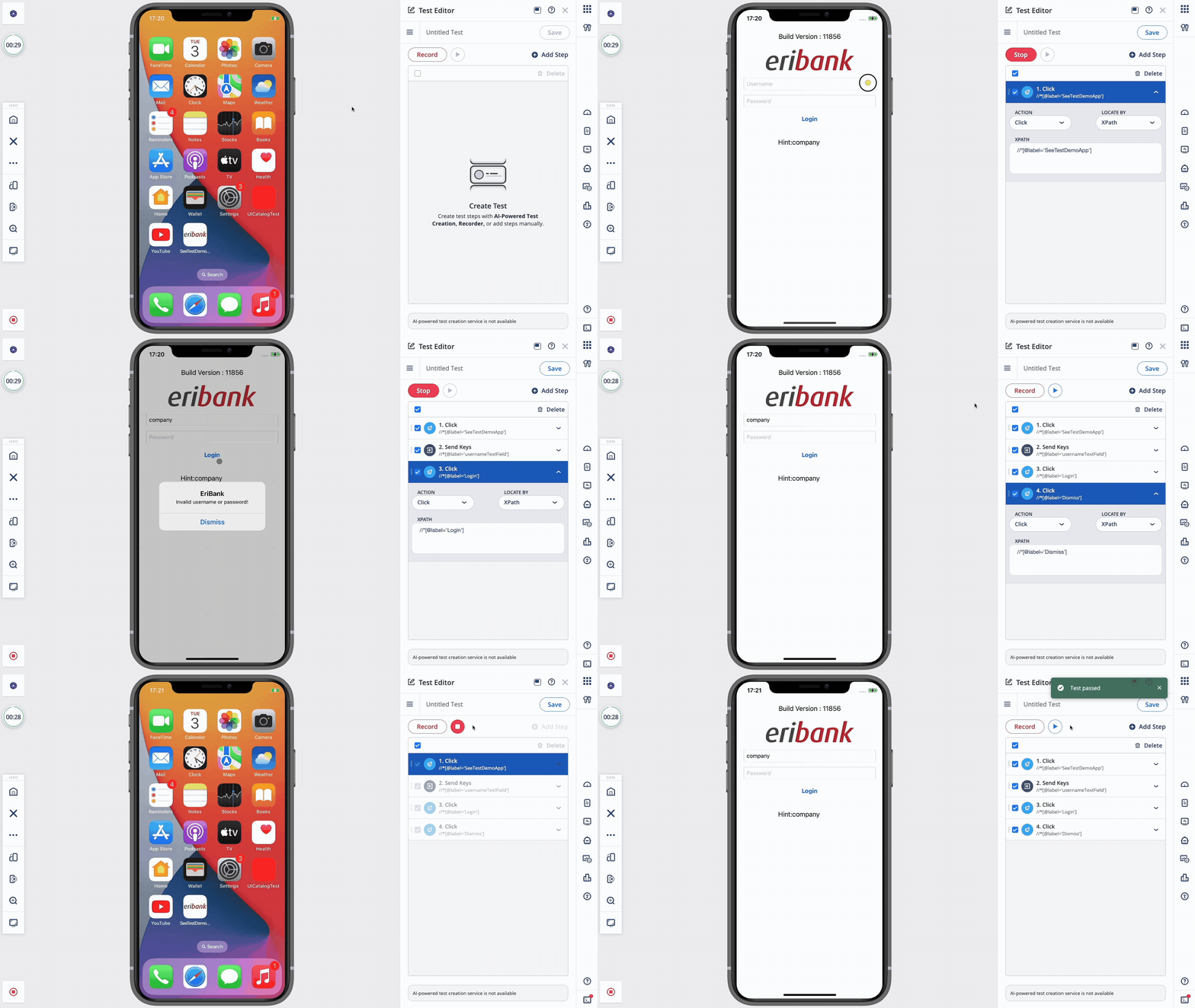
Create iOS automation faster by recording real user interactions and converting them into reusable test steps. The iOS Test Recorder captures taps, swipes, and keyboard input, and automatically translates them into executable test actions.
Recorded steps can be reviewed and edited directly in the Test Editor, and the steps can then be exported as standard XCUITest or Appium code for use in a local IDE, making it easy to move from manual validation to maintainable automation without writing code from scratch. For more details, refer to the Test Editor documentation.
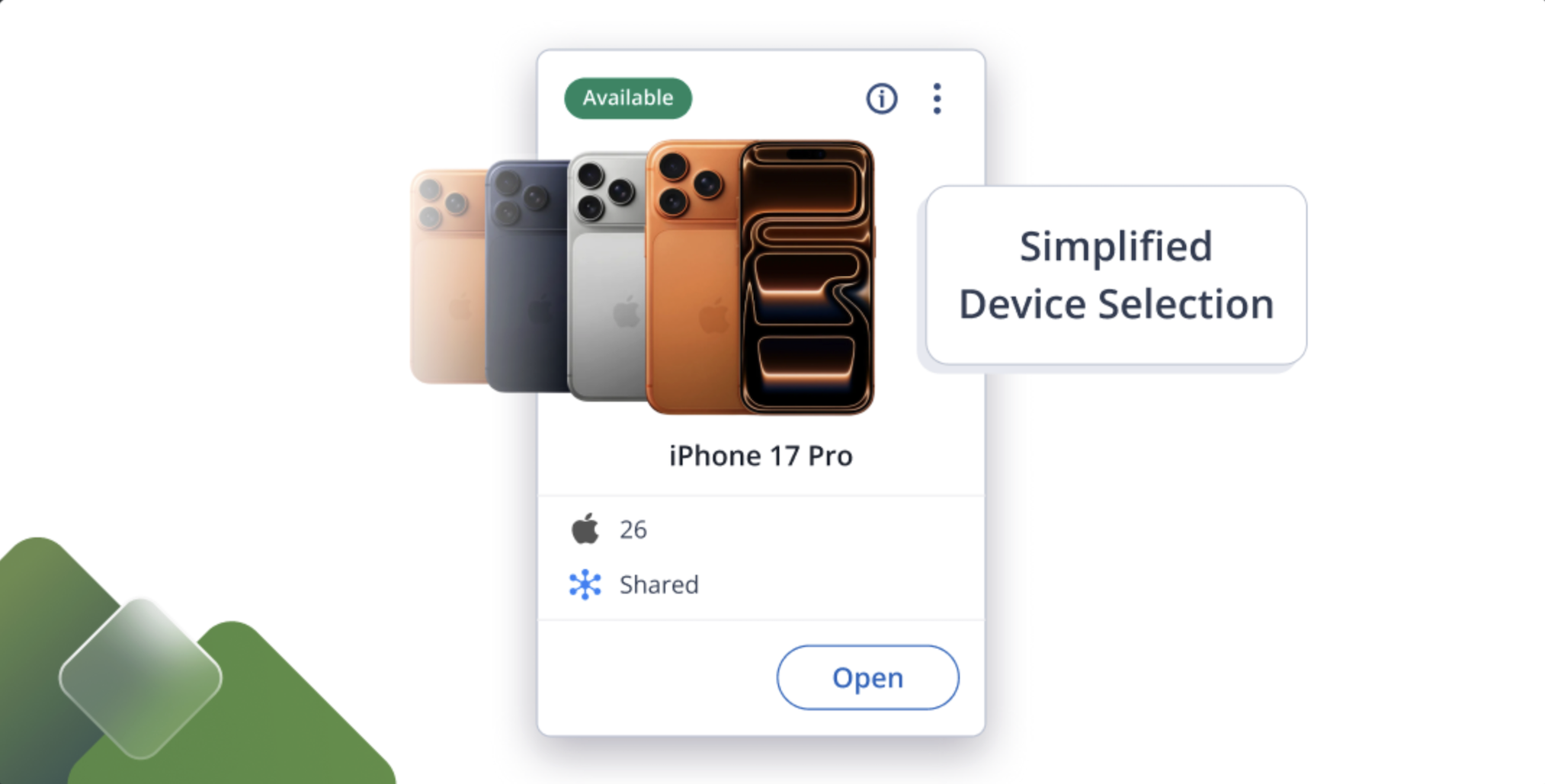
Shared Devices New UI
Shared devices are now grouped by model and version into a single card, making selection faster. For more details, refer to the Shared Devices documentation.
Bug Fixes and Improvements
-
Mobile Studio
-
App Manager now displays a confirmation modal when uninstalling applications, and allows you to choose whether to keep app data via a checkbox before proceeding.
-
App Manager now saves your display preferences (Group By, Sort By, and column selections) per user, ensuring views persist across sessions.
-
The Launch button is now disabled for apps that are not installed on the device.
-
Fixed an issue where uninstalling multiple applications from the Device tab displayed “Undefined” in success notifications instead of the application names.
-
Fixed an issue where the Swipe command in Test Editor failed to execute in Appium 3+ projects when using Mobile Studio Automation mode.
-
-
Cloud UI
-
When device specifications are unavailable, device cards now display a default image based on device type (phone or tablet).
-
Fixed an issue where iPad devices incorrectly displayed an iPhone image on the device card.
-
Fixed an issue that prevented device tags from being added in the Edit Device dialog.
-
-
Android Support
- Fixed an issue in Flutter applications where Simulate Capture failed to read images correctly.
- Fixed an issue where applications would crash when interacting with dropdown menus.
- Fixed an issue that interfered with drag-and-drop gestures on the device.
-
iOS Support
- Resolved an issue that caused the passcode to be removed during test execution.
- Resolved an issue that caused passcode-protected devices to go into error state after a cloud upgrade.
-
Appium Server
- Appium server 3.1.2 is now supported for mobile test execution.
- Appium 3 Deque Axe Driver is now supported for automated accessibility testing.
- Support has been added for the execute-driver plugin, enabling Appium test steps to be bundled into a single execution. For more information, refer to the Execute Driver documentation.
- Fixed an issue with image orientation on iOS devices when switching to landscape mode.
- Improved session launch stability for Apple CarPlay simulator.
-
Selenium Agent
- Fixed an issue with mouse clicks happening with an offset in Browser Studio manual sessions.
Cloud Management and On-Premises Deployment
Release notes related to Cloud Management and On-Premises Deployment are published in On-Premises Cloud Management Release Notes.
This separation improves clarity for On-Premises cloud administrators and includes installation, platform support, and infrastructure-related changes.
Latest Browser and OS Version Support
Starting with version 26.2, the following operating systems will be out of digital.ai support:
- Android 7, 8.
For more information, please visit Operating System Support Policy For Real Devices.
 |  |  |  |  |  |  | |
|---|---|---|---|---|---|---|---|
| Official | 15.8.X— 26.2.1 18.7.4 | 7–16 | 144 | 147 | 144 | 26 | 126 |
| Beta | 26.3 Beta 3 | 16 developer QPR2 beta 1 | 145 | 148 | 145 | — | 127 |
Limitations on Android 12 - 16 devices are mentioned here and iOS limitations can be found here.
For browser testing limitations, read more here.
Maintenance Update 1
Release Date: February 24th, 2026
- iOS: Fixed an issue on iOS 18 where Safari failed to launch after a web cleanup with multiple tabs closed.
For the latest installer updates, visit our On-Premises Cloud Management Release Notes page.
Next Release
Due date: March 10th, 2026 (or prior)
The due date and highlights of the next release are as anticipated by Digital.ai Testing on the date of release of the current version, and are forward-looking statements. Actual due dates and highlights may vary.