ServiceNow Plugin
With the Release ServiceNow plugin, you can work with release tasks on a ServiceNow host from the Release UI.
About ServiceNow
ServiceNow is a cloud-based platform that automates workflows across IT service management (ITSM), IT business management (ITBM), and IT operations management (ITOM).
The ServiceNow plugin for Digital.ai Release integrates Release workflows with ServiceNow and allows you to:
- Create, update, and manage ServiceNow records.
- Query existing records, including change requests, incidents, service requests, and configuration items.
- Automate ServiceNow actions directly from your Release workflows.
In the Release Flow Editor, ServiceNow tasks have a blue border.
Prerequisites
- Digital.ai Release 9.0 or later
- A running ServiceNow instance
- ServiceNow user credentials with appropriate permissions for the tasks you want to execute
Install the ServiceNow Plugin
To install the plugin:
- Open Release.
- Click the
 on the top right.
 - Select Manage Plugins.
- Search for
ServiceNow. - Click Install Now next to the ServiceNow plugin.
For more information on plugin installation, see Plugin Manager.
Setup Connection to ServiceNow Server
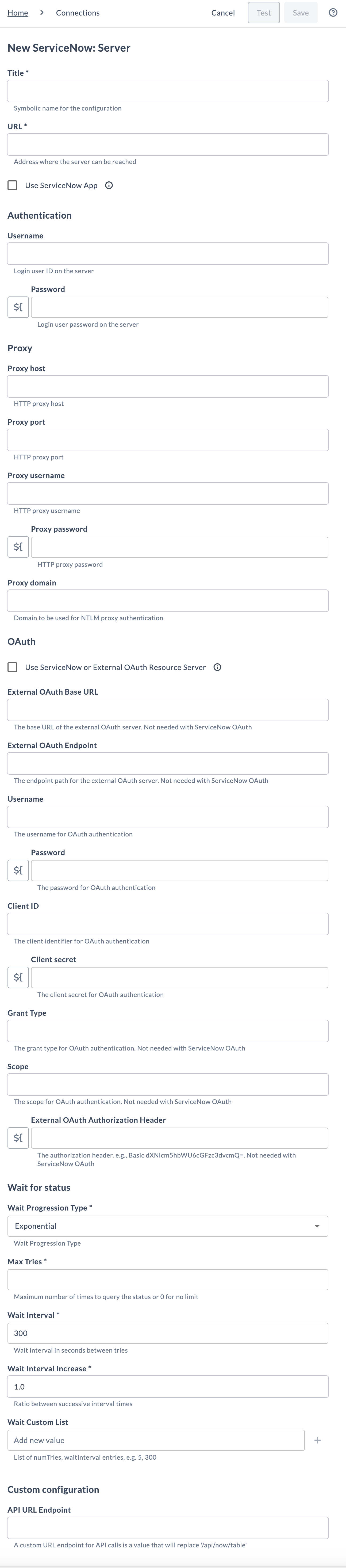
In Digital.ai Release, go to Configuration > Connections > ServiceNow: Server and click + to add a new ServiceNow server connection.
Enter the following details:
-
Title - A symbolic name for the connection.
-
URL - Base URL of the ServiceNow instance.
-
Choose authentication method
-
If you use Basic authentication, enter these fields:
Field Description Username Login user ID for the ServiceNow instance. Password Login password for the ServiceNow instance. -
If you use OAuth, enable Use ServiceNow OAuth and enter these fields:
Field Description External OAuth URL Custom OAuth URL. Leave blank to use ServiceNow's OAuth server. External OAuth Endpoint OAuth token endpoint (if using an external OAuth server). Username ServiceNow username (required when OAuth is enabled). Password ServiceNow password (required when OAuth is enabled). Client ID OAuth client identifier (required when OAuth is enabled). Client secret OAuth client secret (required when OAuth is enabled). Grant Type (External OAuth only) OAuth grant type (e.g., password). Not required with ServiceNow OAuth.Scope (External OAuth only) OAuth scope values. Not required with ServiceNow OAuth. External OAuth Authorization Header Optional: full authorization header value for external OAuth (for example Basic dXNlcm5hbWU6cGFzc3dvcmQ=).
-
-
Configure proxy (optional)
Field Description Proxy host HTTP proxy host. Proxy port HTTP proxy port. Proxy username HTTP proxy username (if proxy requires auth). Proxy password HTTP proxy password. Proxy domain Domain for NTLM proxy authentication (optional). -
Wait for status
Field Description Wait Progression Type Select the retry strategy:
• Exponential — Uses exponential backoff.
• Custom list — Uses a custom sequence of retry intervals.Max Tries Maximum number of retry attempts. Set 0 for unlimited retries. Wait Interval Initial wait time (in seconds) between retry attempts. Wait Interval Increase Multiplier used for exponential backoff. For example, 1.0means no increase.Wait Custom List Applies only when Custom list is selected for Wait Progression Type. Enter values as comma-separated pairs of tries,interval.
Example:10,300 5,900
• First 10 tries: wait 300 seconds each
• Next 5 tries: wait 900 seconds each
Pairs are processed in order. -
API URL Endpoint - A custom API path that replaces the default
/api/now/table. -
Test and Save - Click Test to verify the connection and credentials and Save to create the connection.
Click Cancel to cancel the operation.
Available Tasks
The ServiceNow plugin provides the following task types organized by category:
ITSM Tasks
The following ITSM task types are included:
- ServiceNow: Create Change Request
- ServiceNow: Create CMDB CI
- ServiceNow: Update Change Request
- ServiceNow: Update CMDB CI
- ServiceNow: Find Change Request
- ServiceNow: Create Change Task
- ServiceNow: Update Change Task
- ServiceNow: Find Change Task
- ServiceNow: Find Change Task by Parent
- ServiceNow: Wait for Status
- ServiceNow: Create Application
- ServiceNow: Update Application
- ServiceNow: Publish Article
- ServiceNow: Create Incident
- ServiceNow: Update Incident
- ServiceNow: Find Incident
- ServiceNow: Create Service Request
- ServiceNow: Find Service Request
- ServiceNow: Update Service Request
- ServiceNow: Create Request Item
- ServiceNow: Update Request Item
- ServiceNow: Find Request Item
- ServiceNow: Find Record by Number
- ServiceNow: Find Records by Query
- ServiceNow: Find CMDB CI by Name
Agile/Scrum Tasks
For Agile-related task types, an extra update will need to be installed on the ServiceNow side. The available Agile development-related task types are:
- ServiceNow: Create Story
- ServiceNow: Update Story
- ServiceNow: Find Story
- ServiceNow: wait for Status
- ServiceNow: Create Scrum Task
- ServiceNow: Update Scrum Task
- ServiceNow: Find Scrum Task by Story
- ServiceNow: Create Epic
- ServiceNow: Update Epic
- ServiceNow: Find Epic
- ServiceNow: Find Sprint
- ServiceNow: Update Sprint
- ServiceNow: Create Release
- ServiceNow: Update Release
- ServiceNow: Find Release
Each task in the ServiceNow plugin includes input properties and output properties. Input properties pass in parameters required for execution, while output properties capture the results returned by ServiceNow.
Output properties can be mapped to Release variables for later use. For more information, see Mapping Task Output Properties to Variables.
To view the list of tasks that are deprecated or removed from ServiceNow integration, see Deprecated Tasks and Removed Tasks.
Task Type and Properties
This section describes the fields available for each task type as well as the output properties. Many of the task types use the same set of fields, so the descriptions are common to similar tasks.
Task Type: Create
The ServiceNow: Create task type creates a new record in the ServiceNow server. The following properties are available:
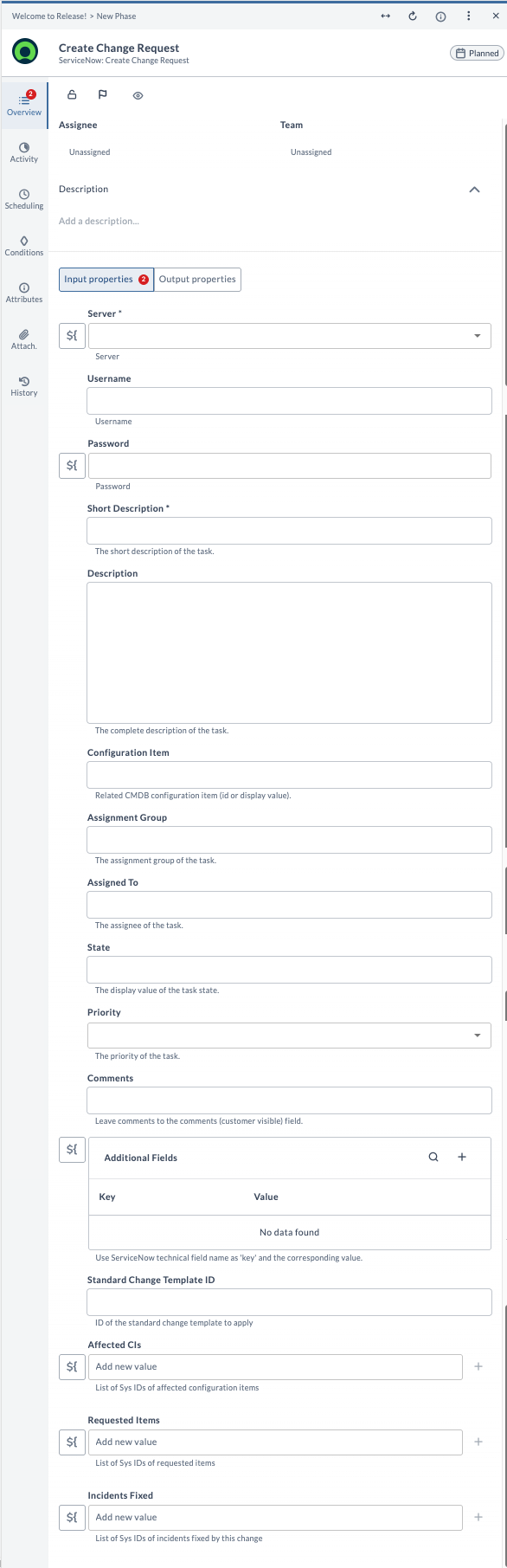
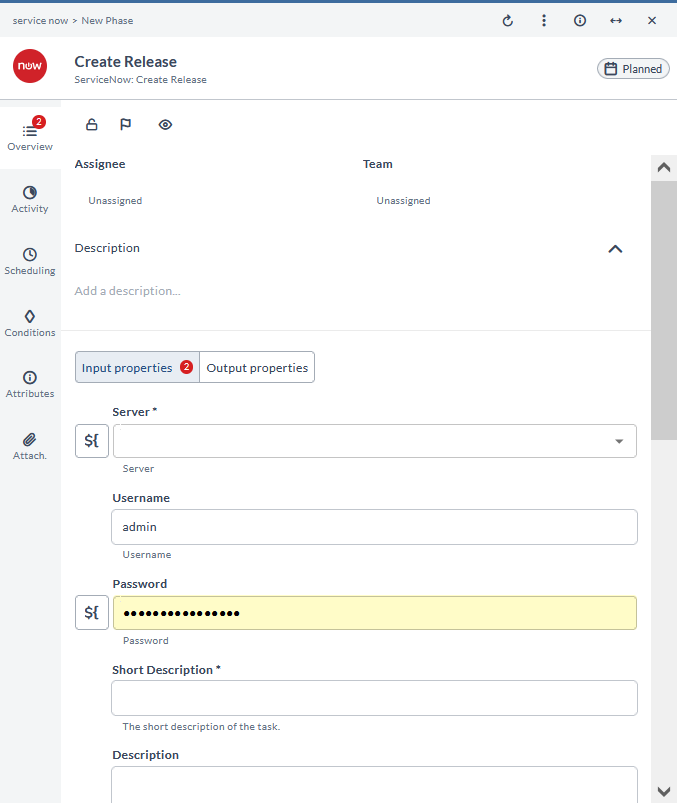
Server: [Required] The ServiceNow server to connect to.Username: Overrides the username in Connections.Password: Overrides the password in Connections.Short Description: [Required] A short description of the record to be created.Description: Comments in the record to be createdConfiguration Item: Related configuration item (display value or sys_id)Assignment Group: The group the record will be assigned to (display value or sys_id).Assigned To: The user the record will be assigned to (display value or sys_id).State: The display value of the state the record will be set to.Priority: The priority to enter for the record.Comments: [Required] Comments in the record to be created.Requested Items: Related requested items (RITMs) to include with the record.Incidents Fixed: Related incidents that this record will resolve.Additional Fields: Additional fields can be added by providing the technical name and the value to enter.
The task output properties are Data, Sys Id, and Ticket.
Task Type: Update
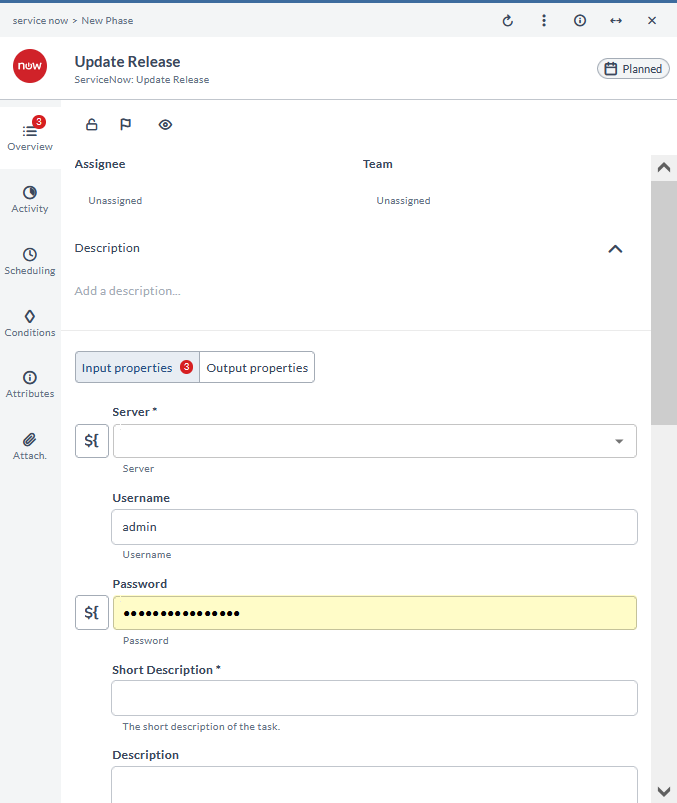
The ServiceNow: Update task type updates an existing record in the ServiceNow server. The properties are similar to the create task type; in particular, you can set Requested Items and Incidents Fixed on an existing record and, by default, the values you provide will replace any existing values on the record.
Sys Id: [Required] The sys ID of the task that needs to be updated (Example:d1a37dcadb0023006ab155d0cf9619d5).Requested Items: Related requested items (RITMs) to set on the record. By default, these replace any existing requested items.Incidents Fixed: Related incidents that this record will resolve. By default, these replace any existing related incidents.Append Requested Items: When enabled, appends new requested items to existing items instead of replacing them.Append Incidents Fixed: When enabled, appends new incidents to existing incidents instead of replacing them.
The task output properties are Data and Number.
Task Type: Find
The ServiceNow: Find task type finds an existing record in the ServiceNow server. The following properties are available:
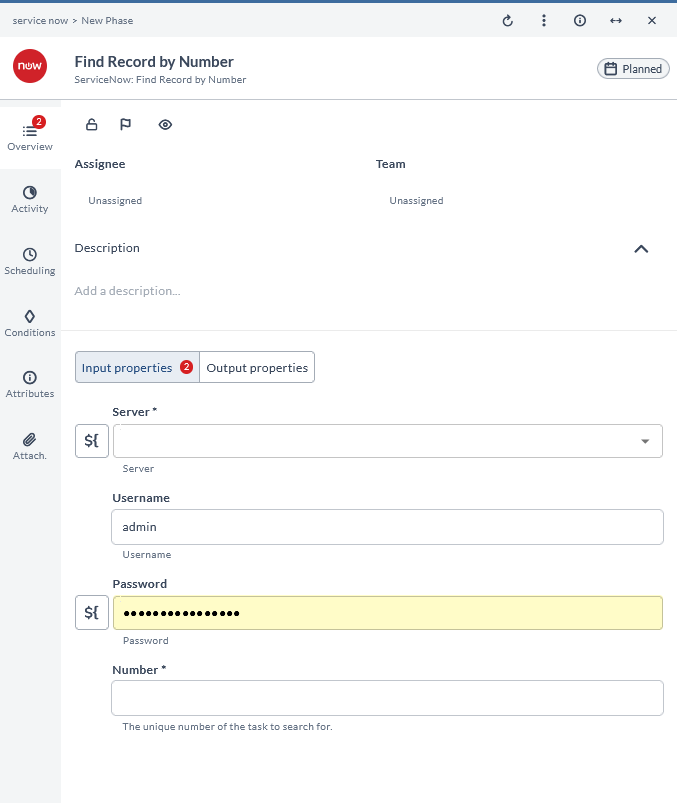
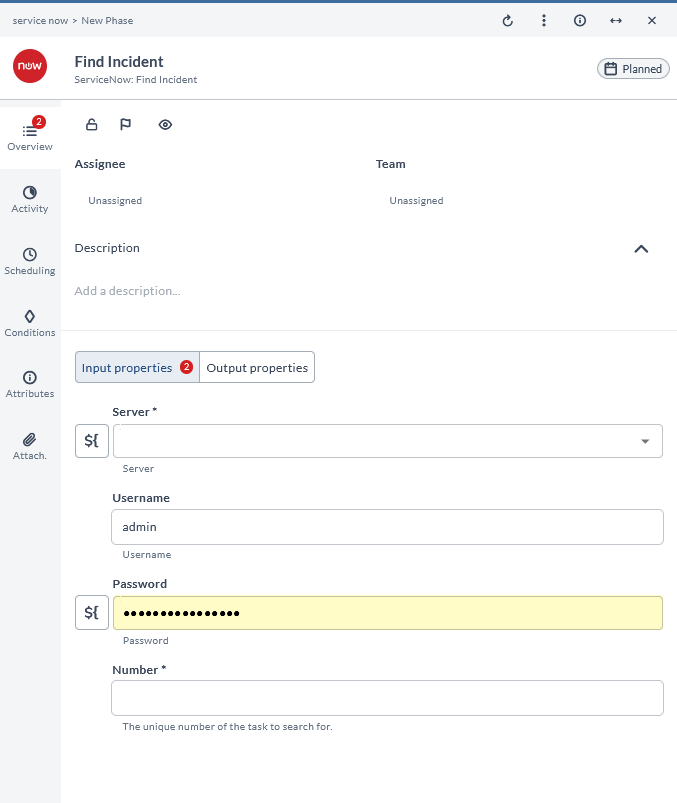
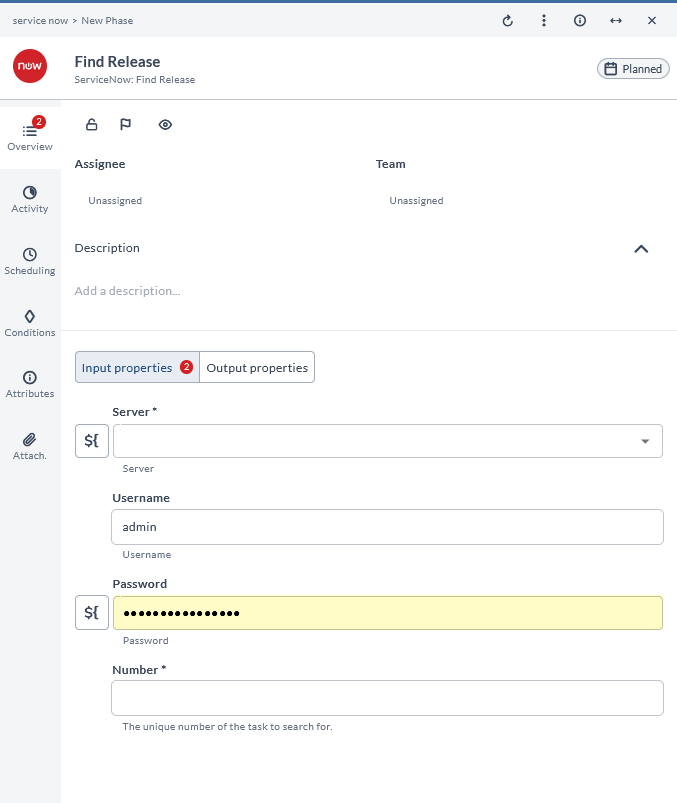
Server: [Required] The ServiceNow Server to connect to.Username: Overrides the username in Connections.Password: Overrides the password in Connections.Number: [Required] The number of the ticket that needs to be found (Example:REQ0010001).
The task output properties are Data and Sys Id.
Task Type: Wait for Status
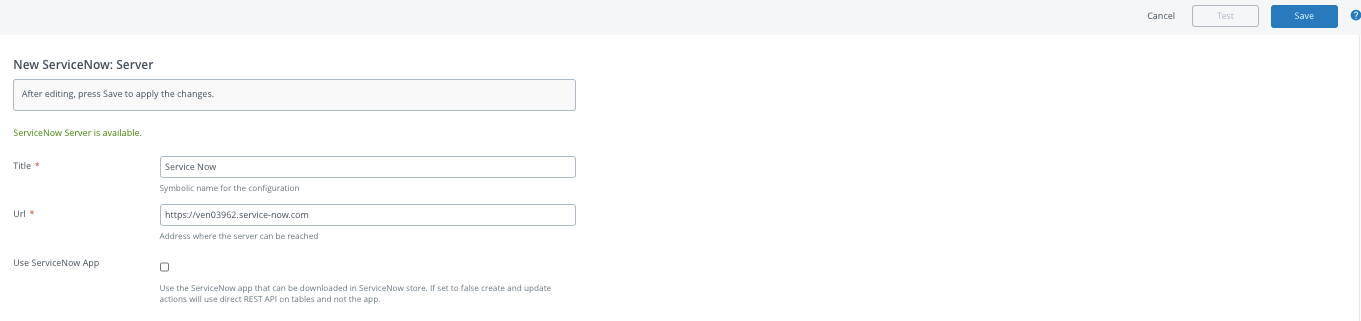
The ServiceNow: Wait for Status task type verifies the value of an existing task in the ServiceNow server.
The following properties are available:
Server: [Required] The ServiceNow Server to connect to.Username: Overrides the username in Connections.Password: Overrides the password in Connections.Table Name: [Required] The table name of the table in ServiceNow (Example:change_task).System ID: [Required] The system ID of the ticket that needs to be updated (Example:d1a37dcadb0023006ab155d0cf9619d5).Status Field: [Required] The status field to use (Example:state).Status to check for: [Required] The value of the status field to check against the status field (Example:Closed,Canceled).Override Server Wait Config: Checked (true) lets the properties on the task override the server properties.- For more information on configuring the Wait Progression Type, Max Tries, Wait Interval, Wait Interval Increase and Wait Custom List, see the Setup Connection to ServiceNow Server section.
The task output properties are Data, Number, Status, and Num Tries.
Using the Override Server Wait Config option
When Override Server Wait Config is enabled, the task uses its own wait settings instead of the server-level settings.
Choose one of these approaches:
- Use server-level settings: Leave Override Server Wait Config unchecked to use the Wait Progression Type, Max Tries, Wait Interval, and Wait Interval Increase values configured on the ServiceNow server connection.
- Use custom wait intervals: Check Override Server Wait Config to specify a custom Wait Custom List. This overrides all server-level wait settings and uses only the intervals defined in the custom list.
Task Type: Find Change Task by Parent
The ServiceNow: Find Change Task by Parent task type finds the child change task of a change request from the change request details and the beginning of the short description of the change task. The ServiceNow: Find Scrum Task by Story task type looks and functions similarly to this. The following properties are available:
Server: [Required] The ServiceNow Server to connect to.Username: Overrides the username in Connections.Password: Overrides the password in Connections.Short Description: The short description of the record to search for.Parent: [Required] The sys_id of the parent Change Request.
The task output properties are Data and Sys Id.
Find Record by Number
This task finds a record by number in ServiceNow. It is used to locate a specific record using its unique identifier.
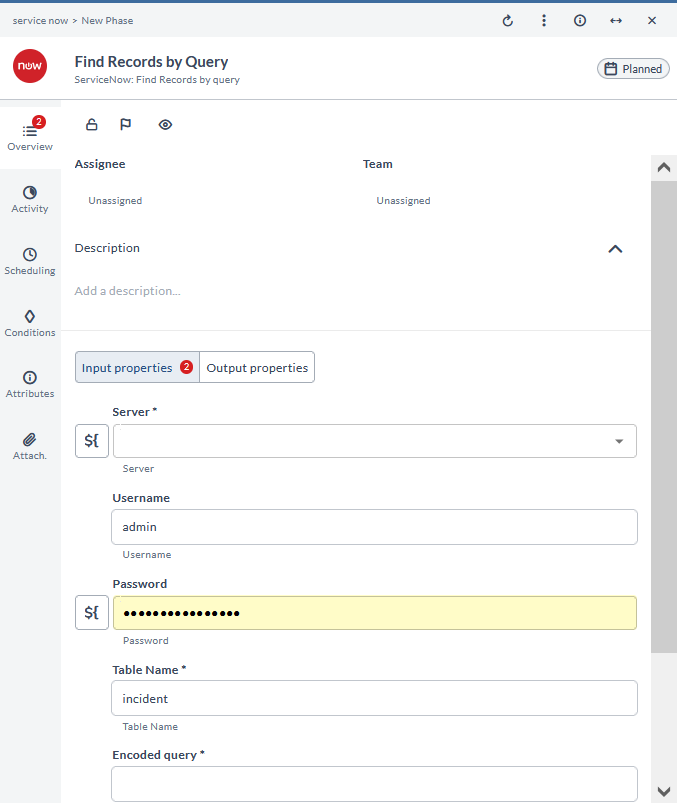
Find Records by Query
This task finds records by query in ServiceNow. It is used to search for records based on specified query criteria.
Create Change Request
This task creates a change request in ServiceNow. It is used to initiate a request for changes within the system.
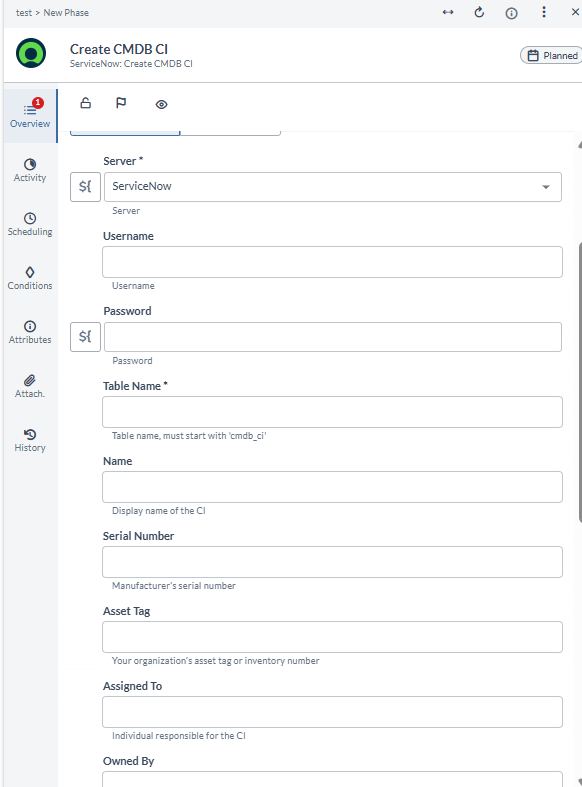
Create CMDB CI
This task creates a new Configuration Item (CI) in ServiceNow's Configuration Management Database (CMDB).
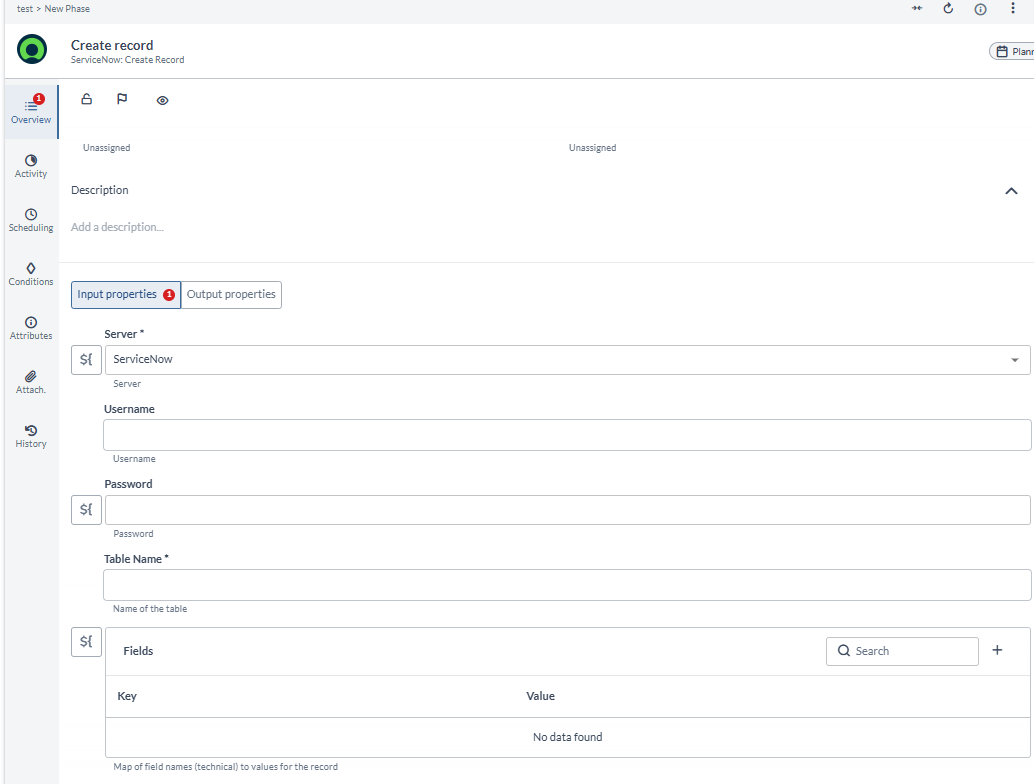
Create Record
This task creates a new record in ServiceNow. It can be used to insert data into any supported ServiceNow table, enabling flexibility for custom or less common use cases.
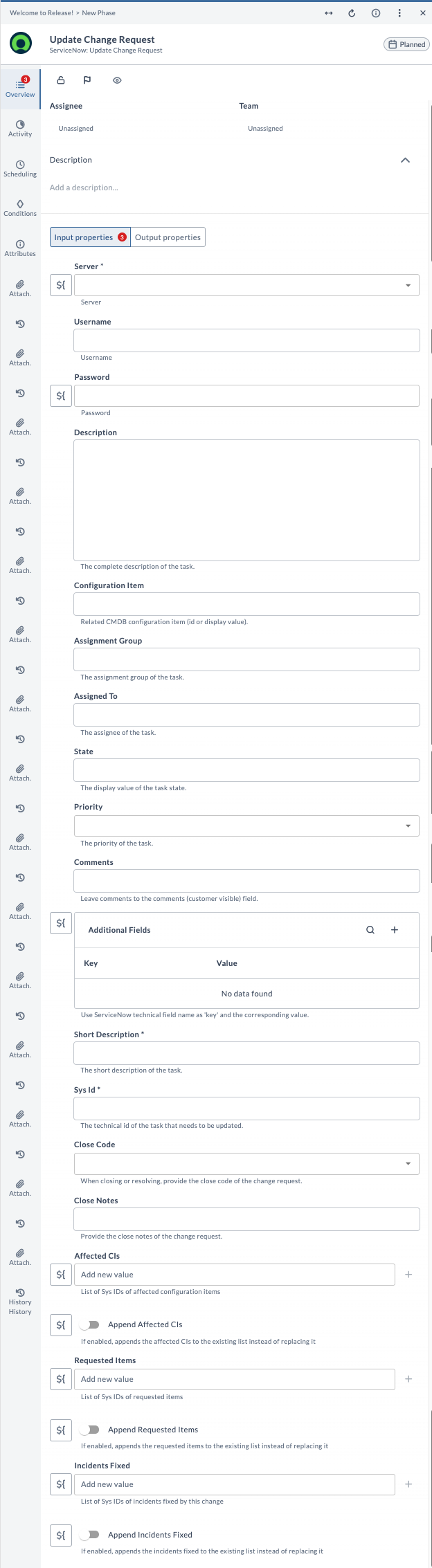
Update Change Request
This task updates a change request in ServiceNow. It is used to modify the details of an existing change request.
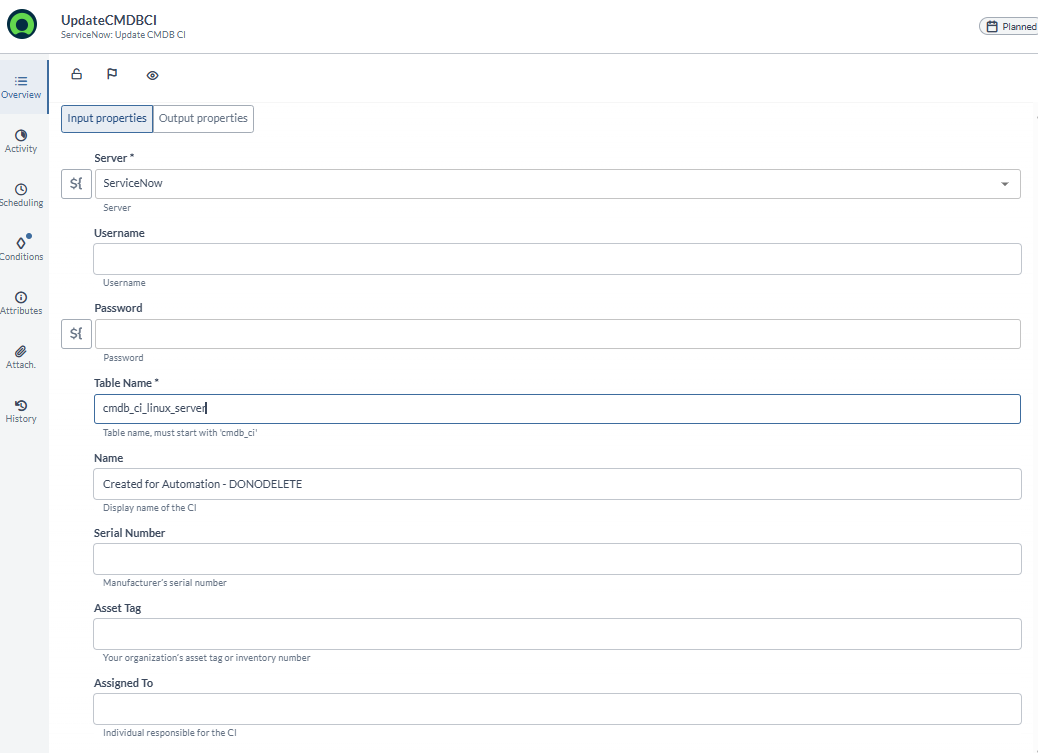
Update CMDB CI
This task updates an existing Configuration Item (CI) in ServiceNow's Configuration Management Database (CMDB).
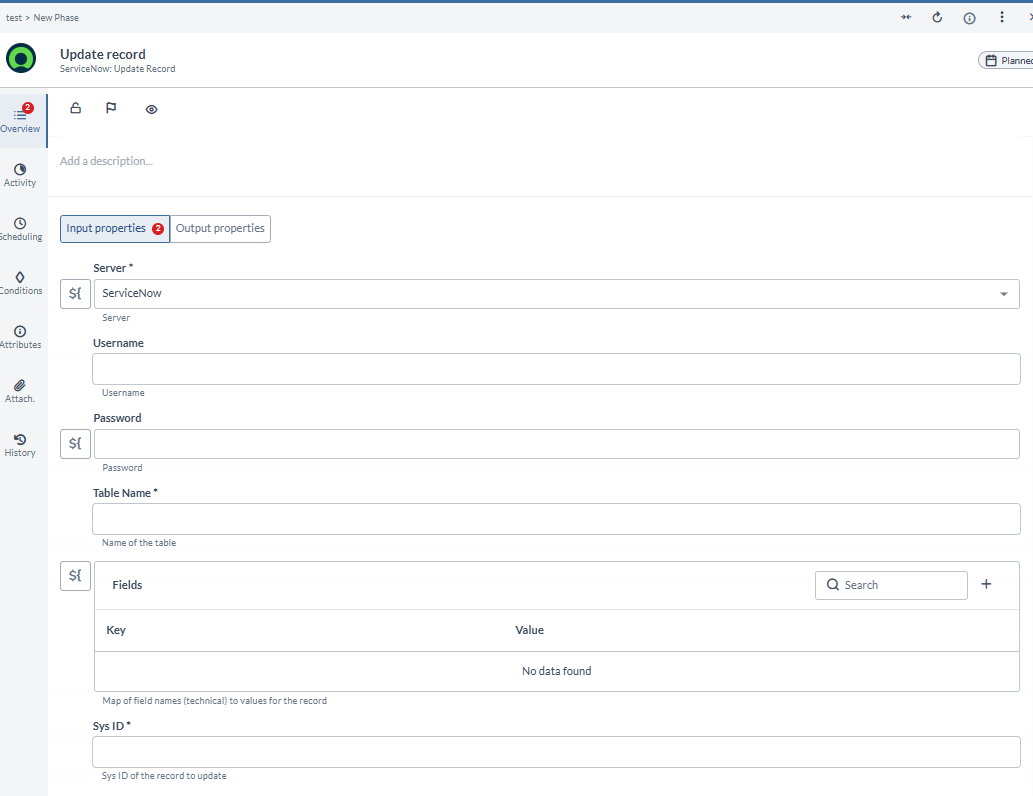
Update Record
This task updates an existing record in ServiceNow. It is used to modify fields in any supported ServiceNow table, making it suitable for both standard and custom records.
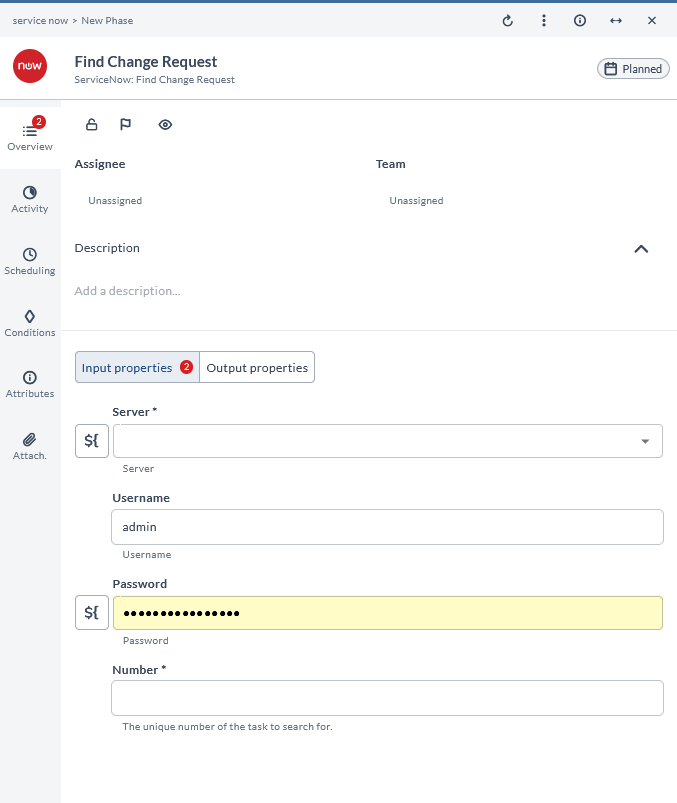
Find Change Request
This task finds a change request by ticket in ServiceNow. It is used to locate a change request using its ticket number.
Create Change Task
This task creates a change task in ServiceNow. It is used to generate a new task associated with a change request.
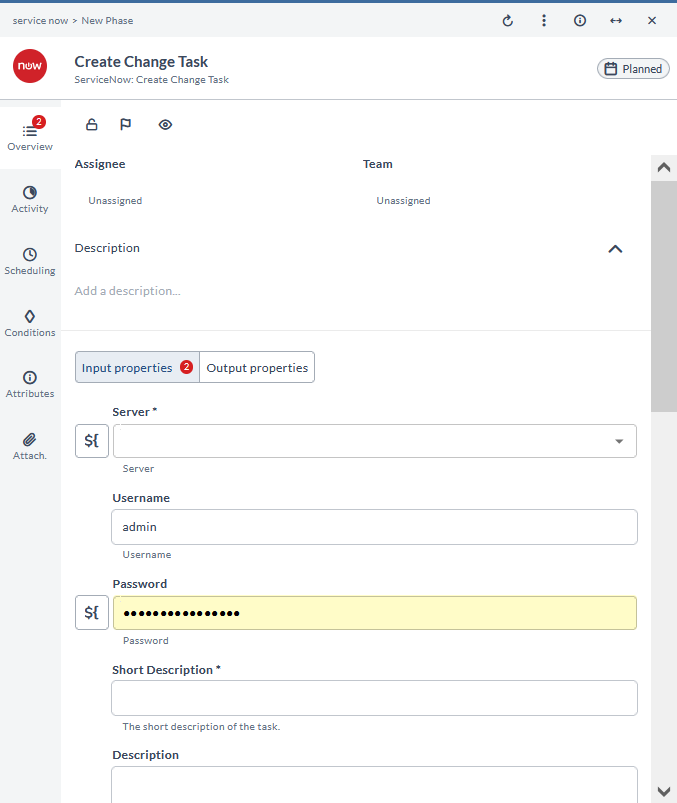
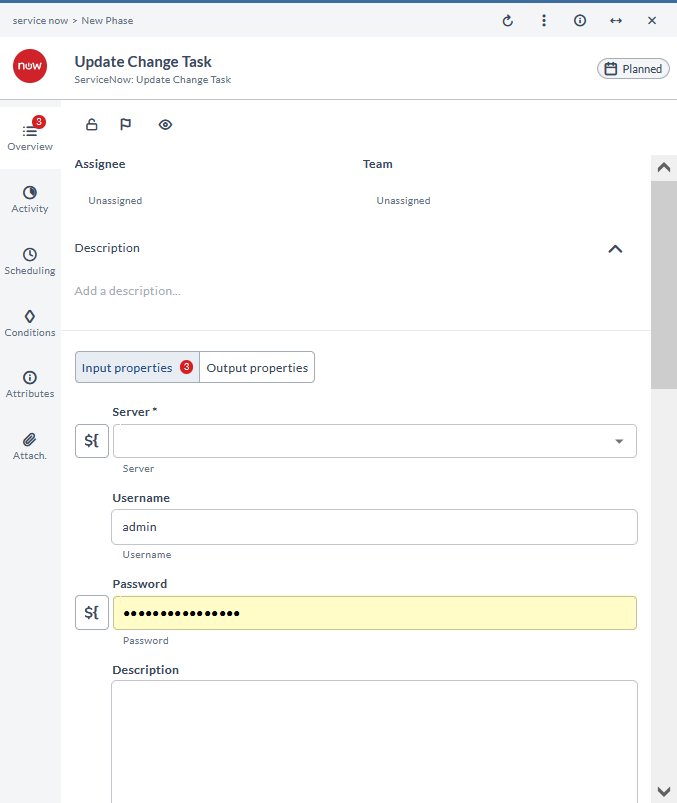
Update Change Task
This task updates a change task in ServiceNow. It is used to modify the details of an existing change task.
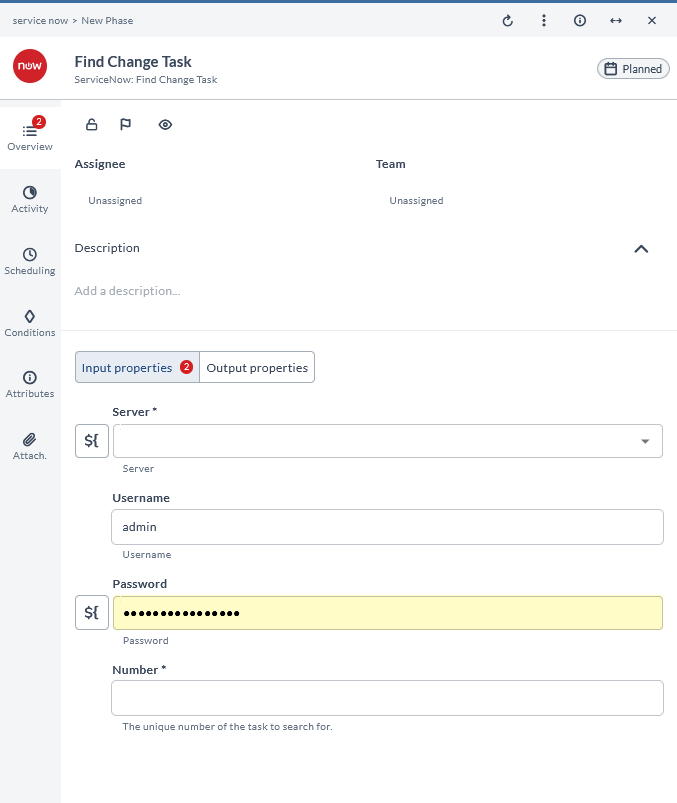
Find Change Task
This task finds a change task by task ID in ServiceNow. It is used to locate a specific change task using its unique identifier.
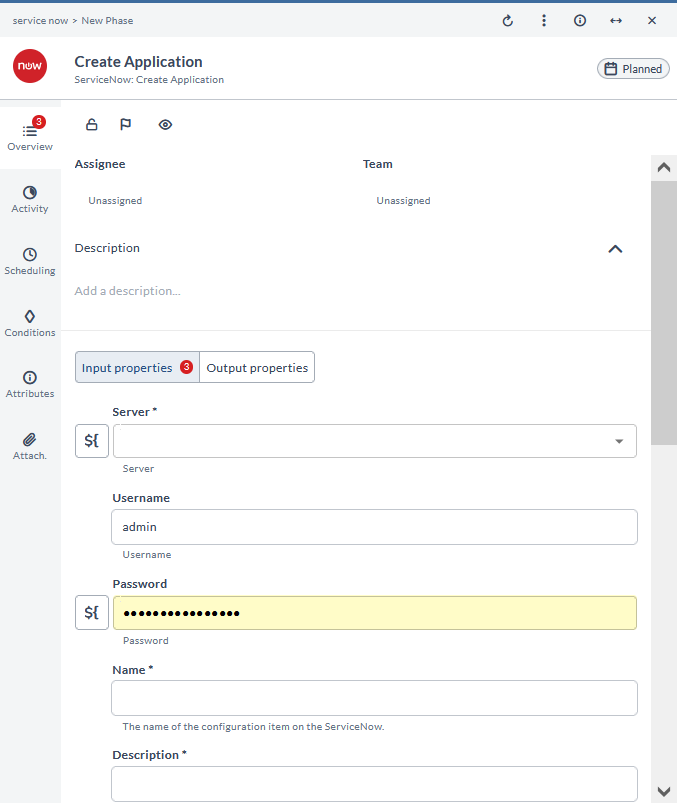
Create Application
This task creates a new application in ServiceNow. It is used to add a new application to the system.
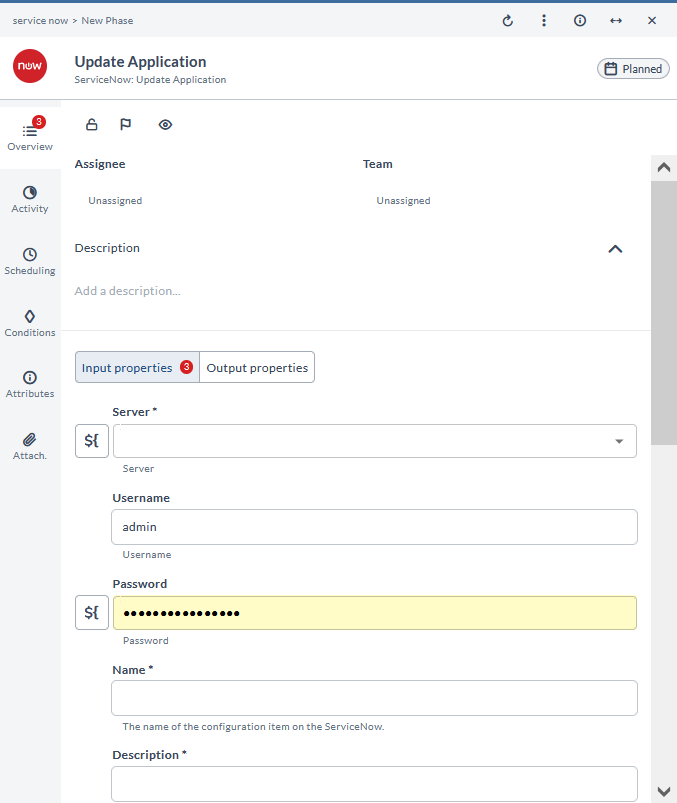
Update Application
This task updates an application version in ServiceNow. It is used to modify the version details of an existing application.
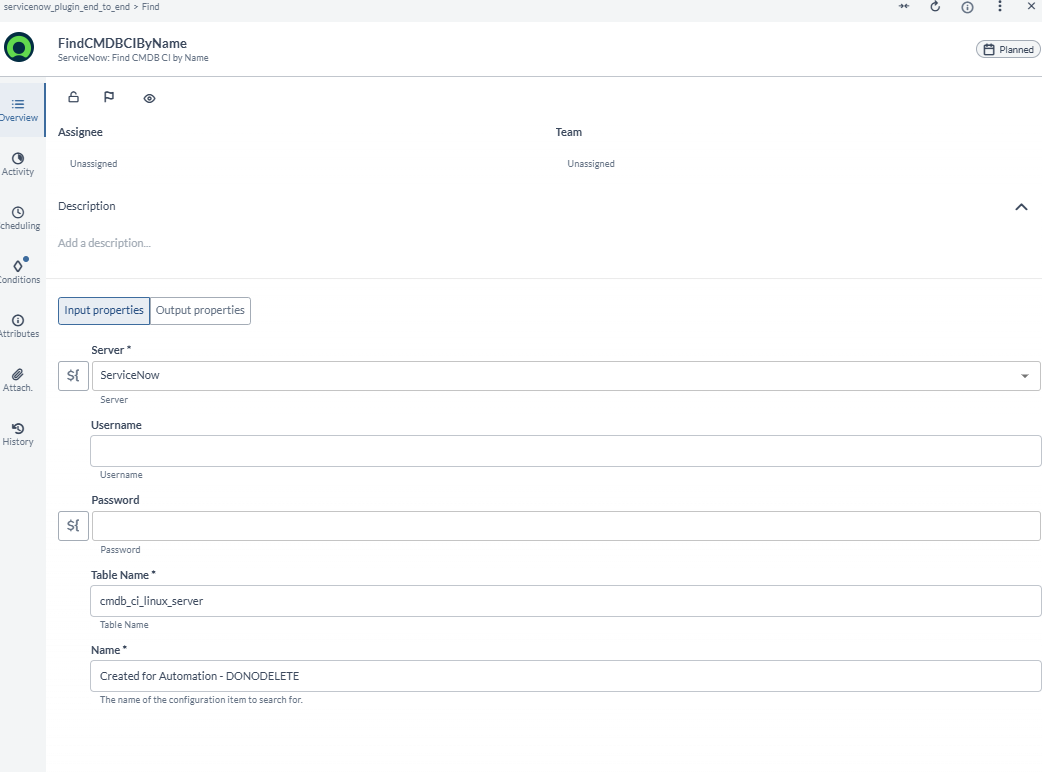
Find CMDB CI by Name
This task finds a configuration item (CI) by name in ServiceNow. It is used to locate a specific CI using its name.
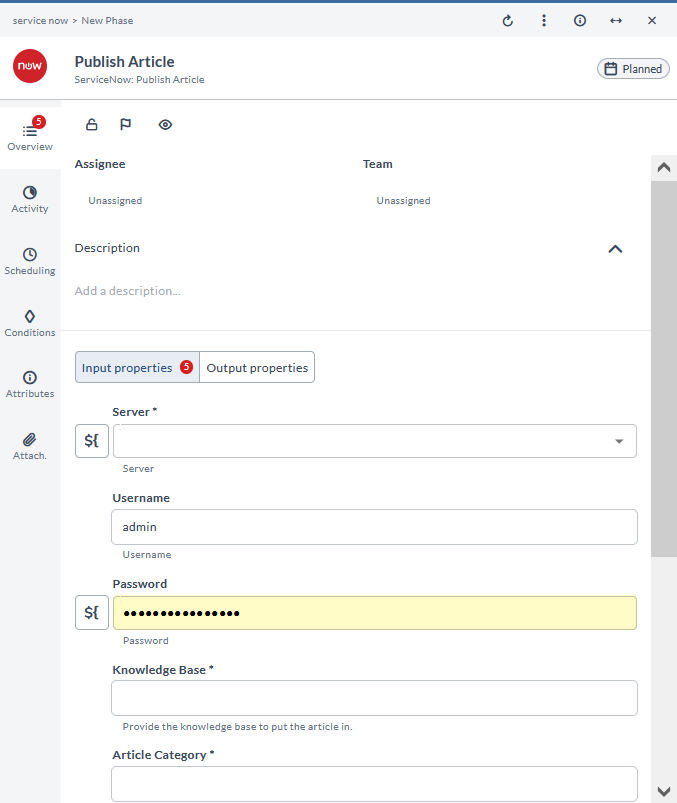
Publish Article
This task publishes an article in ServiceNow. It is used to make an article available for viewing.
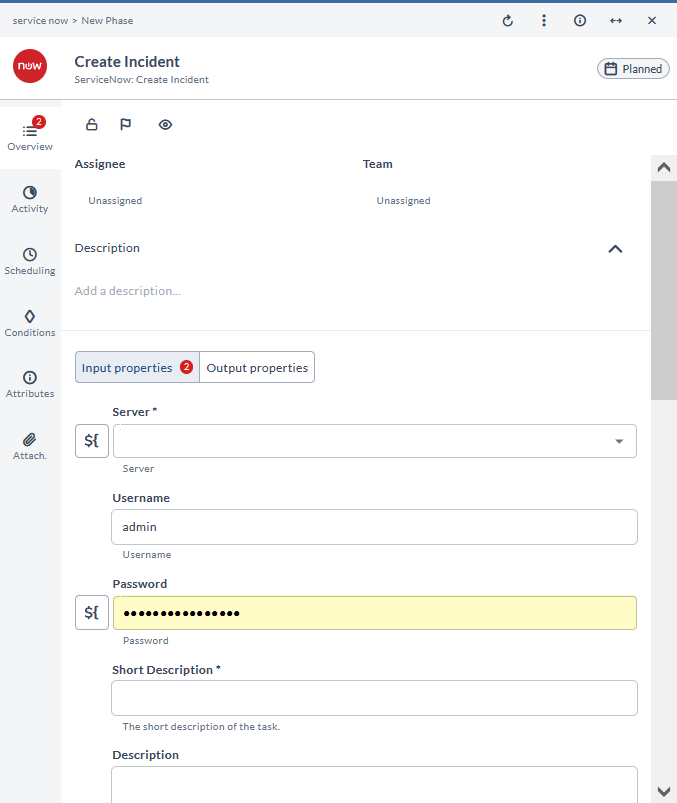
Create Incident
This task creates an incident in ServiceNow. It is used to report and track incidents.
Update Incident
This task updates an incident in ServiceNow. It is used to modify the details of an existing incident.
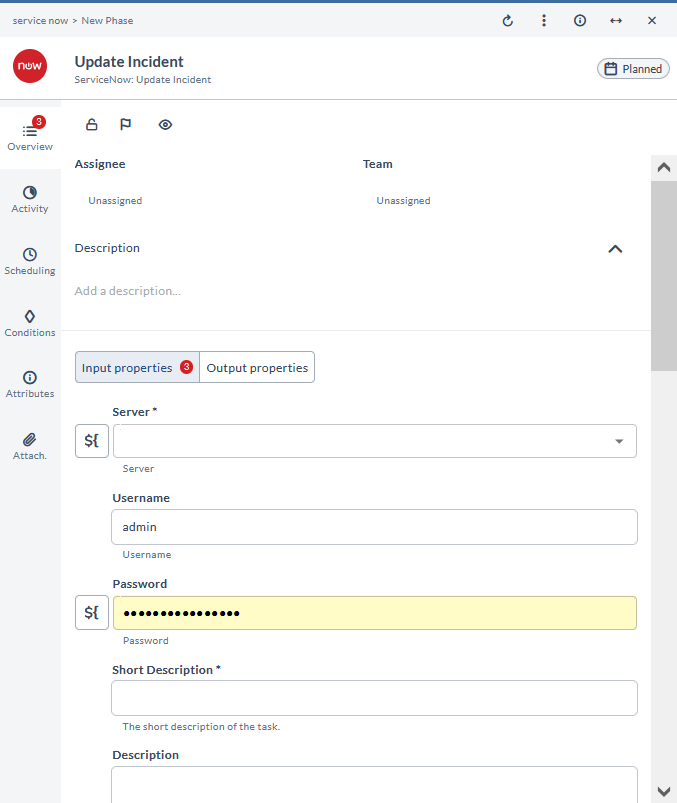
Find Incident
This task finds an incident by ticket in ServiceNow. It is used to locate an incident using its ticket number.
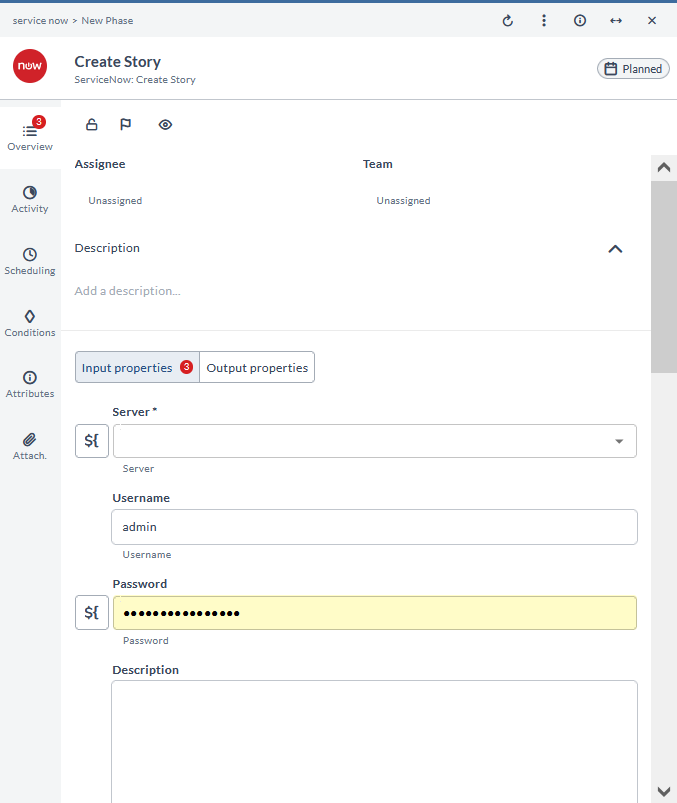
Create Story
This task creates a story in ServiceNow. It is used to add a new story for tracking purposes.
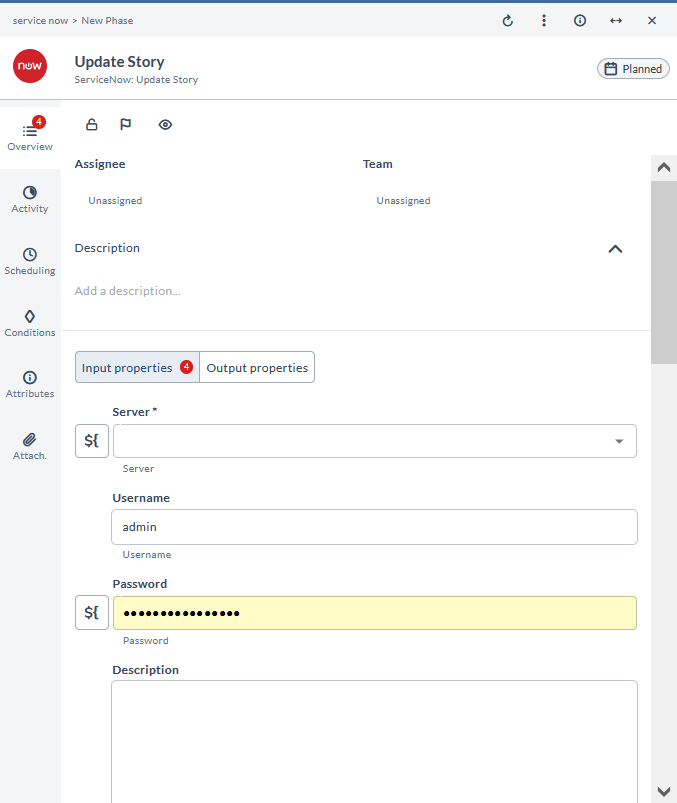
Update Story
This task updates a story in ServiceNow. It is used to modify the details of an existing story.
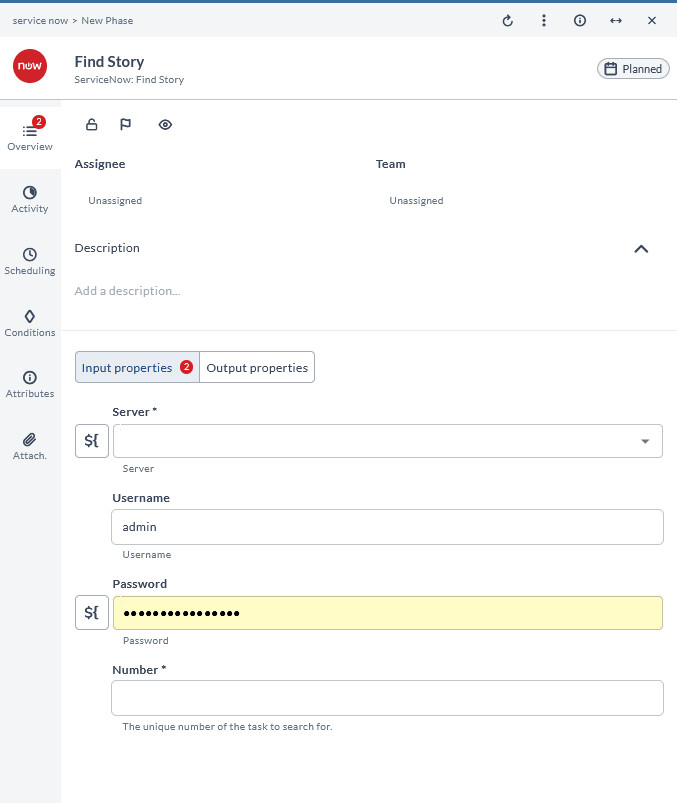
Find Story
This task finds a story in ServiceNow. It is used to locate a specific story.
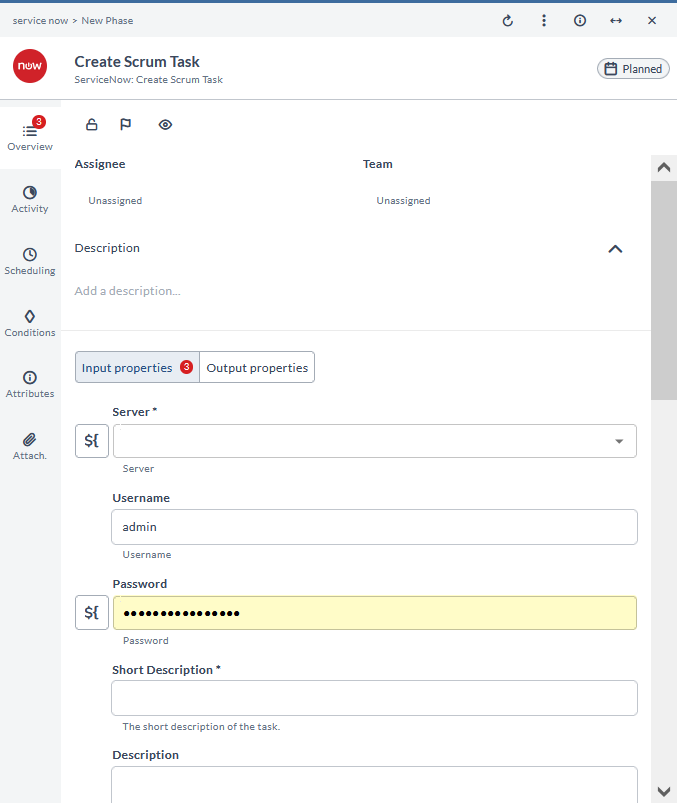
Create Scrum Task
This task creates a scrum task in ServiceNow. It is used to add a new task to a scrum board.
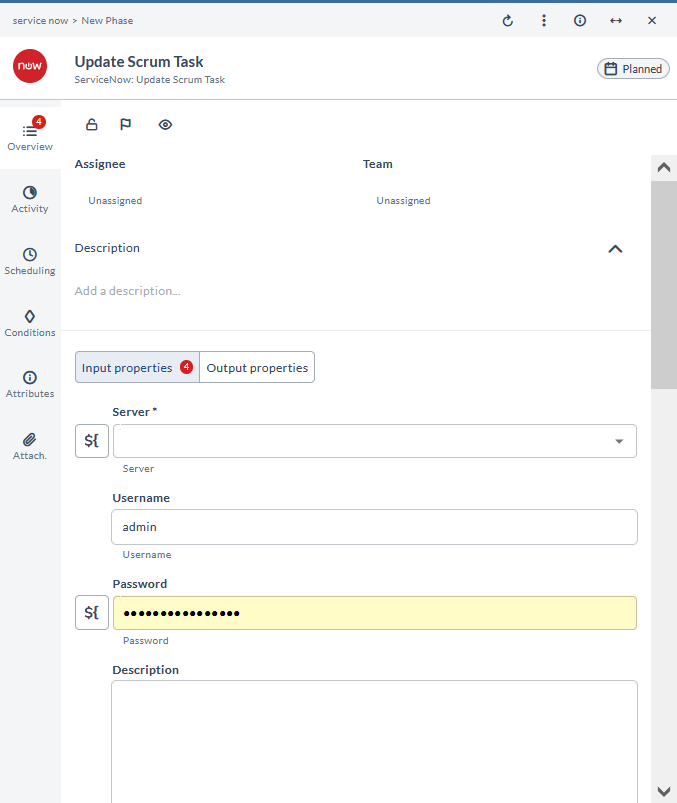
Update Scrum Task
This task updates a scrum task in ServiceNow. It is used to modify the details of an existing scrum task.
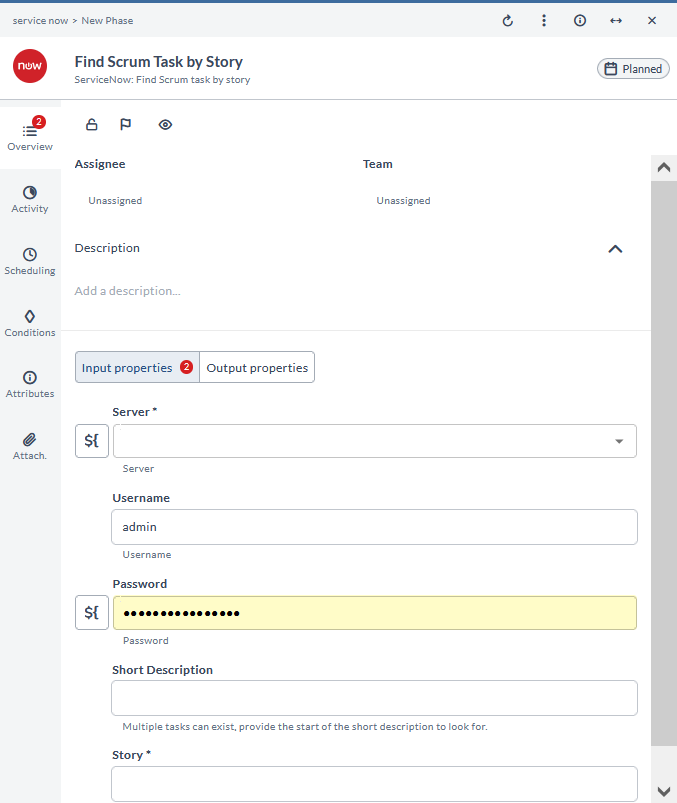
Find Scrum Task by Story
This task finds a scrum task by story in ServiceNow. It is used to locate scrum tasks associated with a specific story.
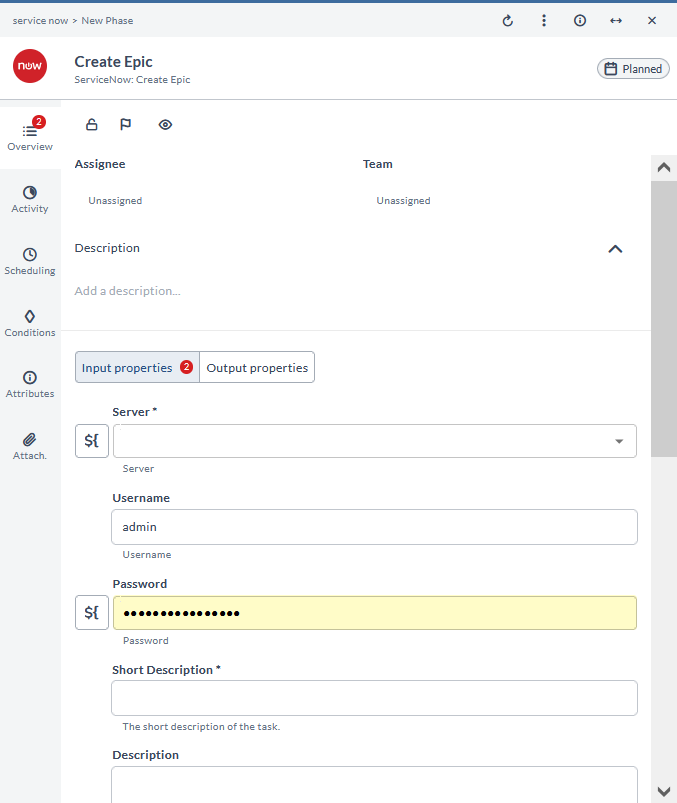
Create Epic
This task creates an epic in ServiceNow. It is used to add a new epic for tracking large work items.
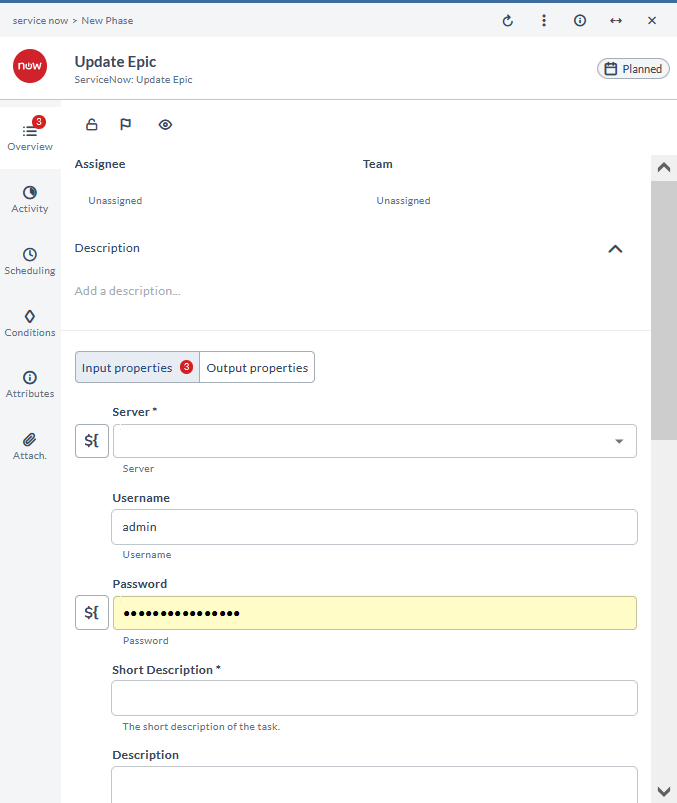
Update Epic
This task updates an epic in ServiceNow. It is used to modify the details of an existing epic.
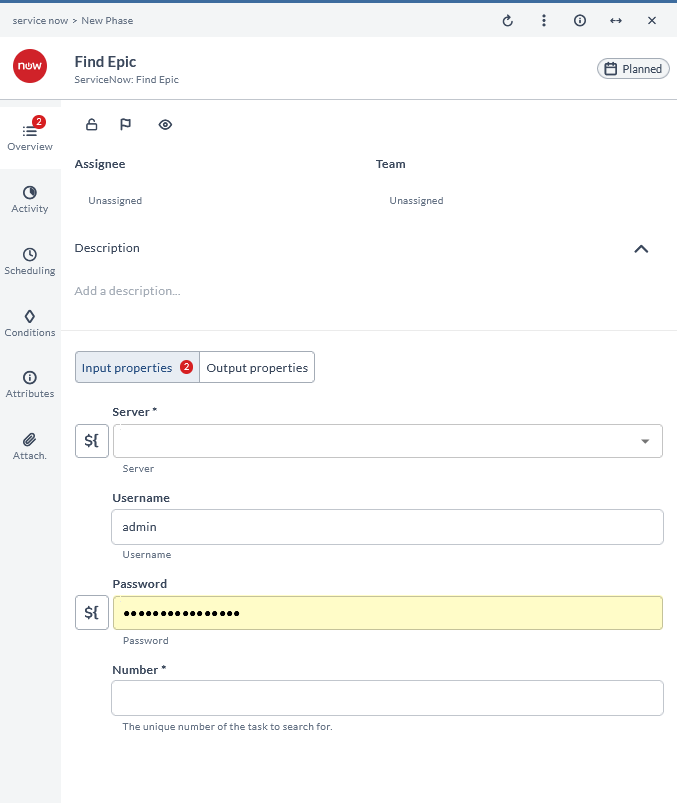
Find Epic
This task finds an epic in ServiceNow. It is used to locate a specific epic.
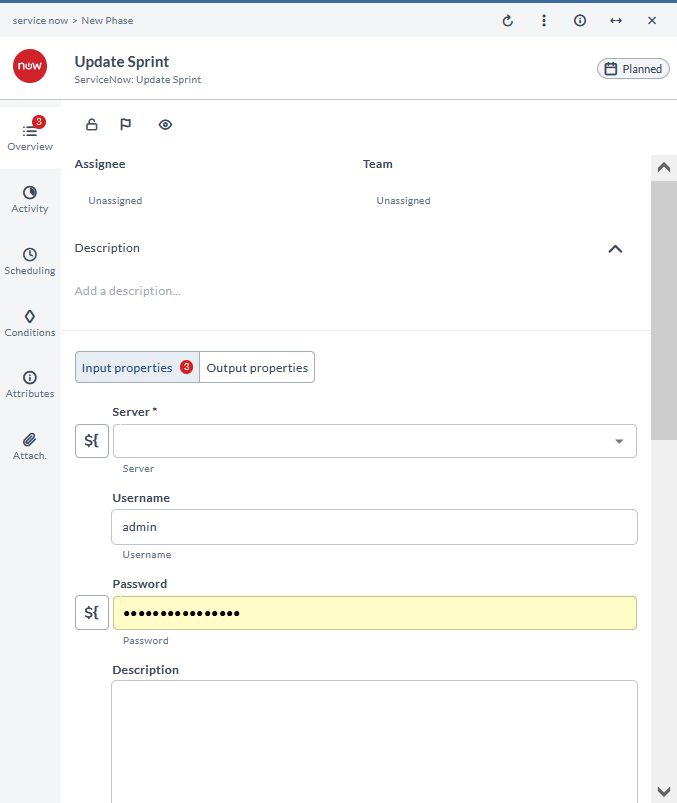
Update Sprint
This task updates a sprint in ServiceNow. It is used to modify the details of an existing sprint.
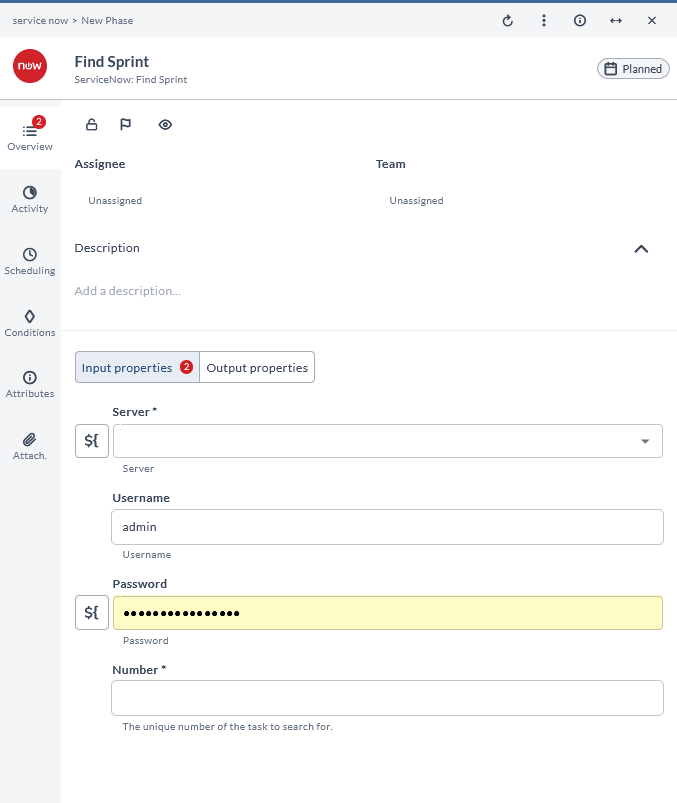
Find Sprint
This task finds a sprint in ServiceNow. It is used to locate a specific sprint.
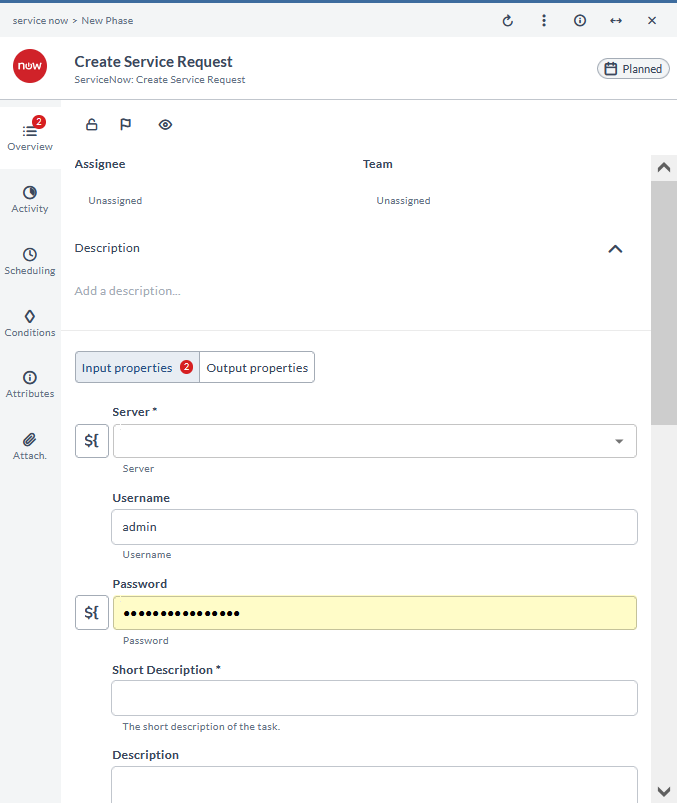
Create Service Request
This task creates a service request in ServiceNow. It is used to initiate a request for service.
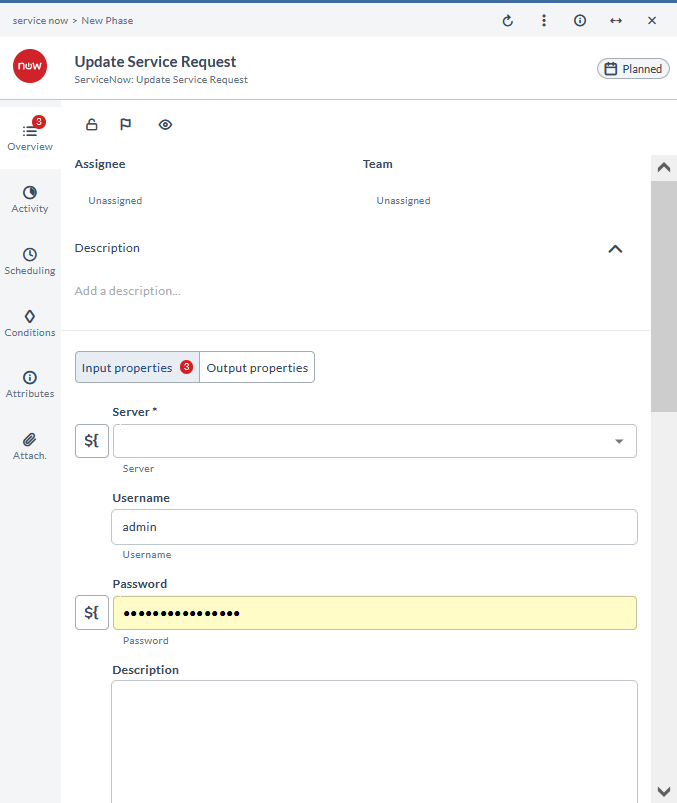
Update Service Request
This task updates a service request in ServiceNow. It is used to modify the details of an existing service request.
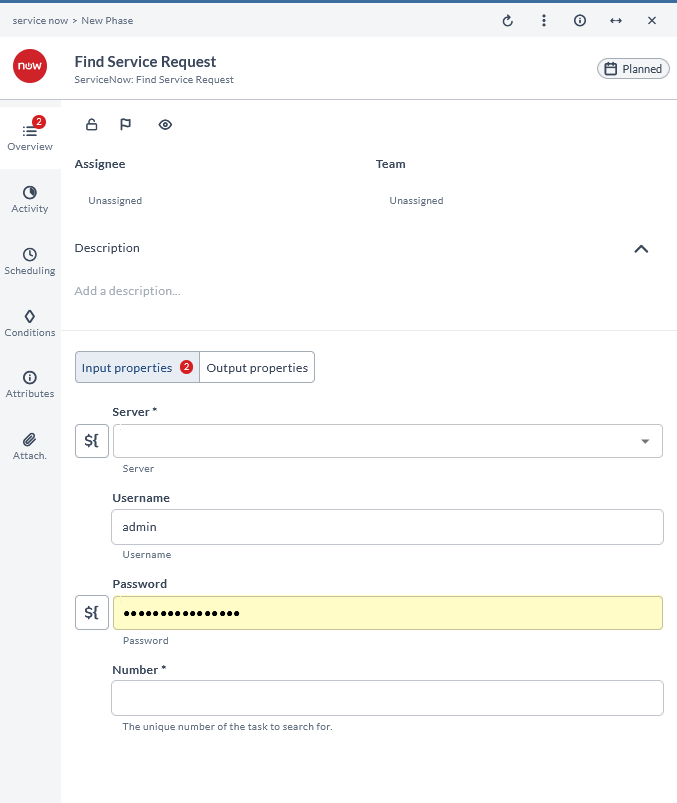
Find Service Request
This task finds a service request in ServiceNow. It is used to locate a specific service request.
Create Requested Item
This task creates a request item in ServiceNow. It is used to add a new item to a service request.
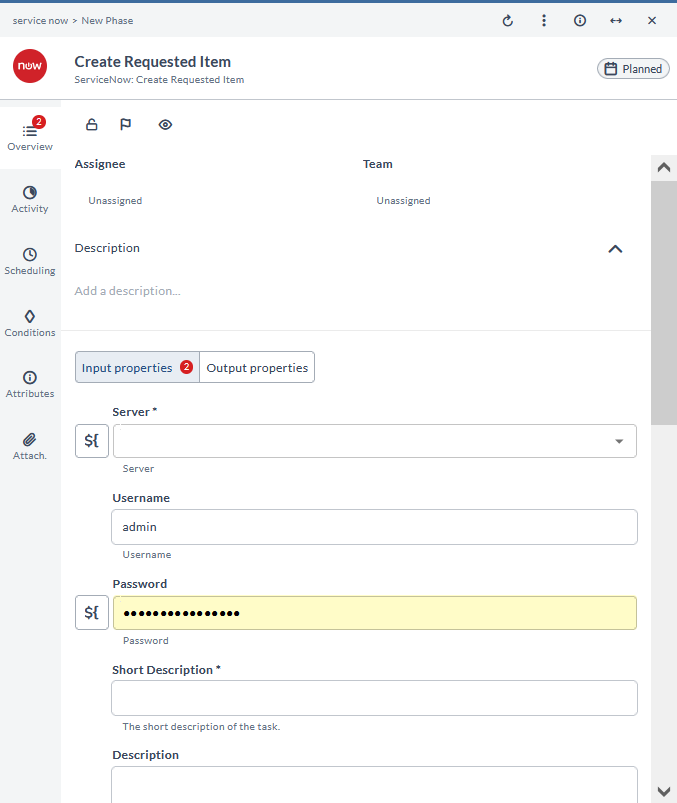
Update Requested Item
This task updates a request item in ServiceNow. It is used to modify the details of an existing request item.
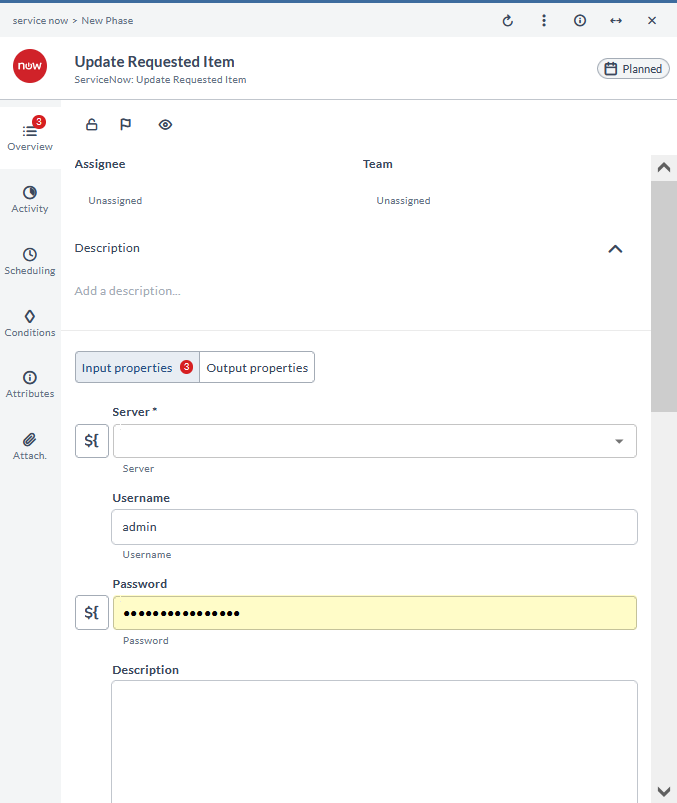
Find Requested Item
This task finds a request item in ServiceNow. It is used to locate a specific request item.
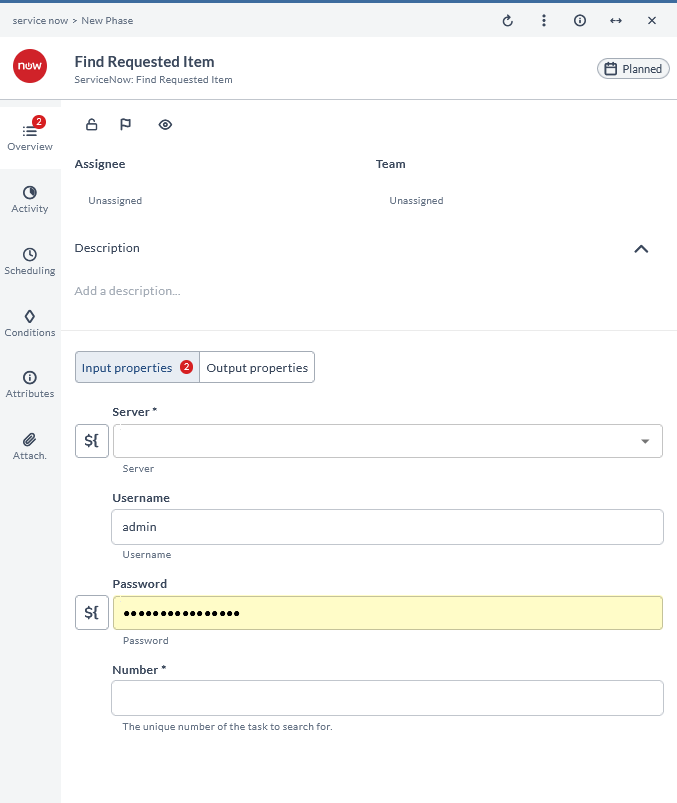
Request Approval
This task requests approval in ServiceNow. It is used to initiate the approval process for a change or request.
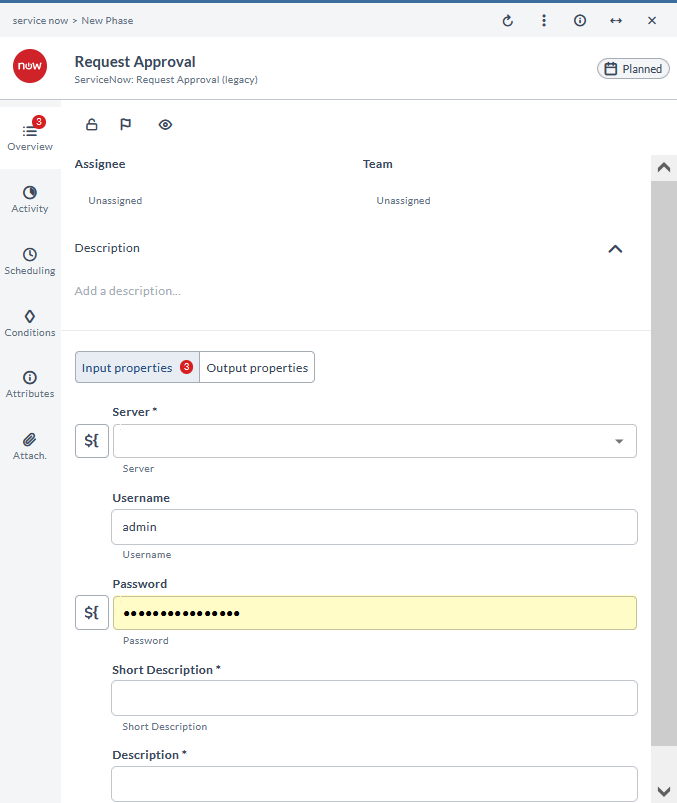
Get Change Request
This task gets a change request in ServiceNow. It is used to retrieve the details of a specific change request.
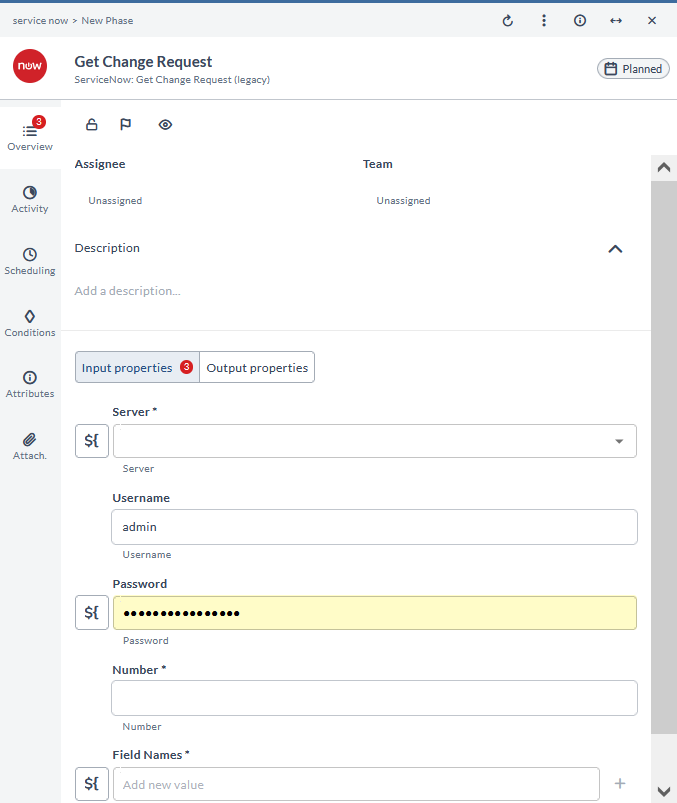
Check Change Request
This task checks the status of a change request in ServiceNow. It is used to verify the current state of a change request.
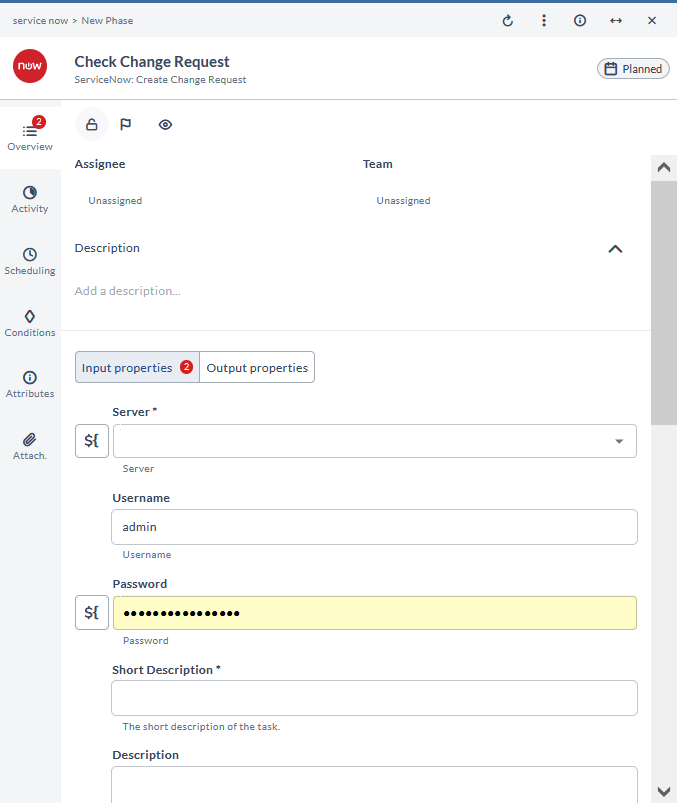
Schedule Task
This task schedules a task in ServiceNow. It is used to set a task to be performed at a specific time.
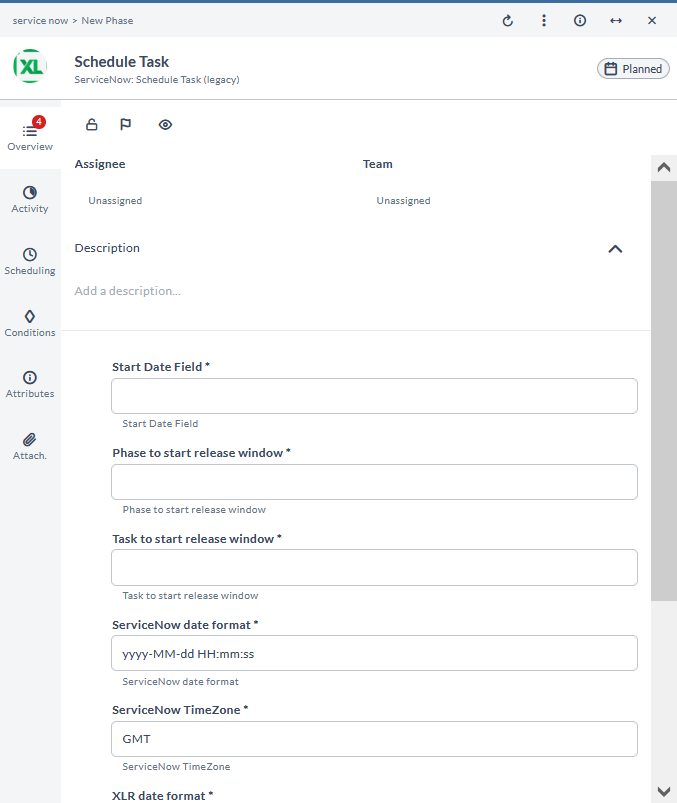
Update CMDB
This task updates the CMDB (Configuration Management Database) in ServiceNow. It is used to modify configuration items in the CMDB.
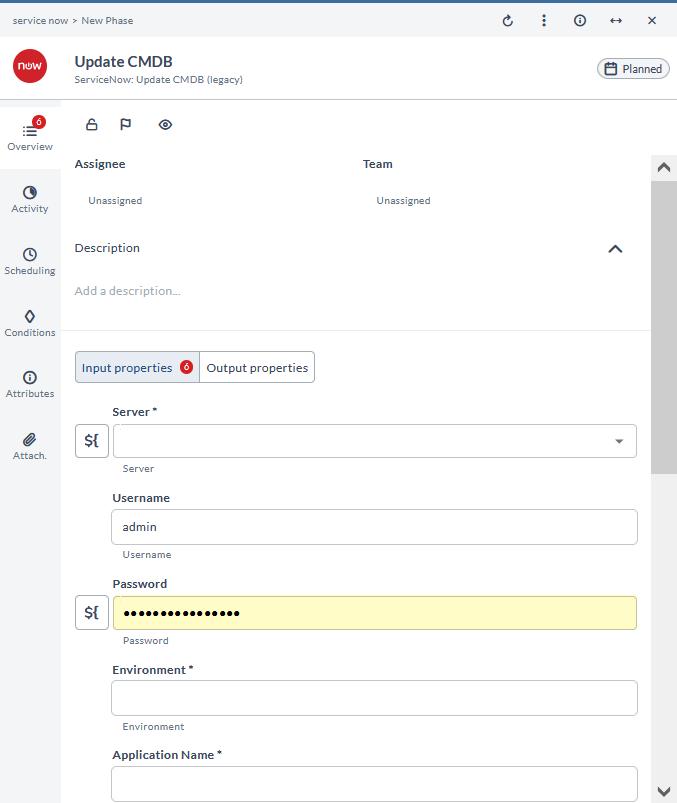
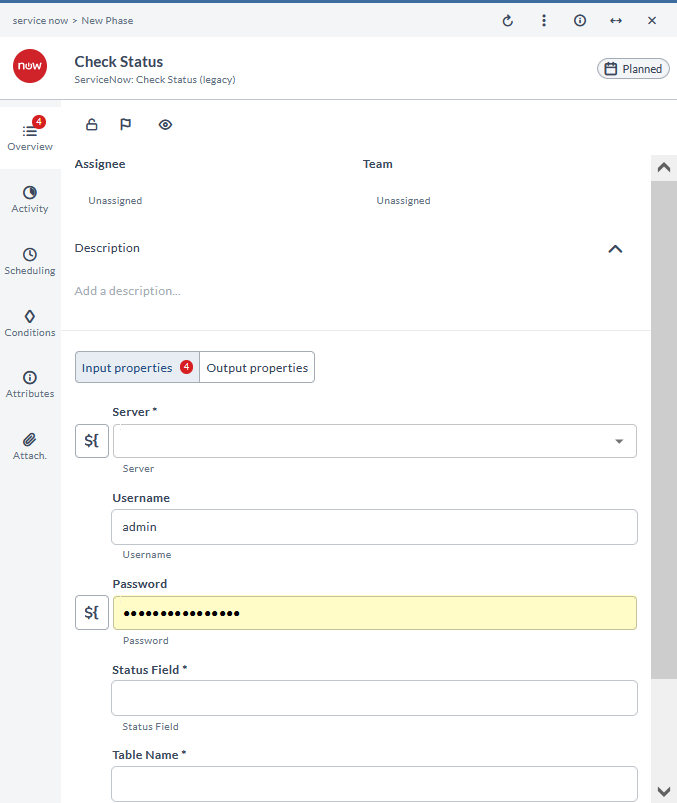
Check Status
This task checks the status of an item in ServiceNow. It is used to verify the current state of a specific item.
Create Release
This task creates a release in ServiceNow. It is used to initiate a new release process.
Update Release
This task updates a release in ServiceNow. It is used to modify the details of an existing release.
Find Release
This task finds a release in ServiceNow. It is used to locate a specific release.
Deprecated Tasks
The table below describes the recommended replacements and implementation tips for deprecated task types.
Because these tasks will be deprecated, migrating your processes to existing processes is recommended, which should be able to perform the same functions.
| Old task type | Task type to use | How to use |
|---|---|---|
| Request approval | Update change request | Set the change to the correct state that initiates approval |
| Get Change Request | Find Change Request | All methods return a complete set of fields for the change |
| Check Status | Wait for Status | Similar, but with more options |
| Update CMDB | Update Application | Use 'Additional fields' instead of removed ones |
| Schedule Task | No alternative | - |
Removed Tasks
The following task types have been removed and must be migrated:
- ServiceNow: Create Record
- ServiceNow: Create New Record
- ServiceNow: Update Record
- ServiceNow: Create New Service Request
- ServiceNow: Create New Request Item
- ServiceNow: Create New Change Request
- ServiceNow: Create Task
- ServiceNow: Update Task
- ServiceNow: Create Request
For more information, see: