Argo CD Plugin
This topic describes the tasks available with the Argo CD plugin.
About Argo CD
Argo CD is a GitOps continuous delivery tool for Kubernetes, which continuously monitors all the running applications and compares the live state with the desired state specified in the Git repo. Argo CD automates the deployment of the desired application states in the specified target environments. Application deployments can track updates to branches, tags, or pinned to a specific version of manifests at a Git commit.
A deployed application whose live state deviates from the target state is considered OutOfSync.
Prerequisites
- Digital.ai Release 22.0.x or later
- A running Argo CD Server
Setup Connection to Argo CD Server
-
Log on to Digital.ai Release as an Administrator.
-
Navigate to CONFIGURATION > Connections.
-
Click the + icon next to ArgoCD: Server.
-
Fill in the required information:
Field Description Title A name for the Argo CD server connection. URL The base URL where the Argo CD server can be reached. Username Login username for the Argo CD server. Password Login password for the Argo CD server. Auth Token Authentication token for connecting to the Argo CD server. Use this instead of username/password when token-based authentication is enabled. Proxy Fill in the proxy details if needed. 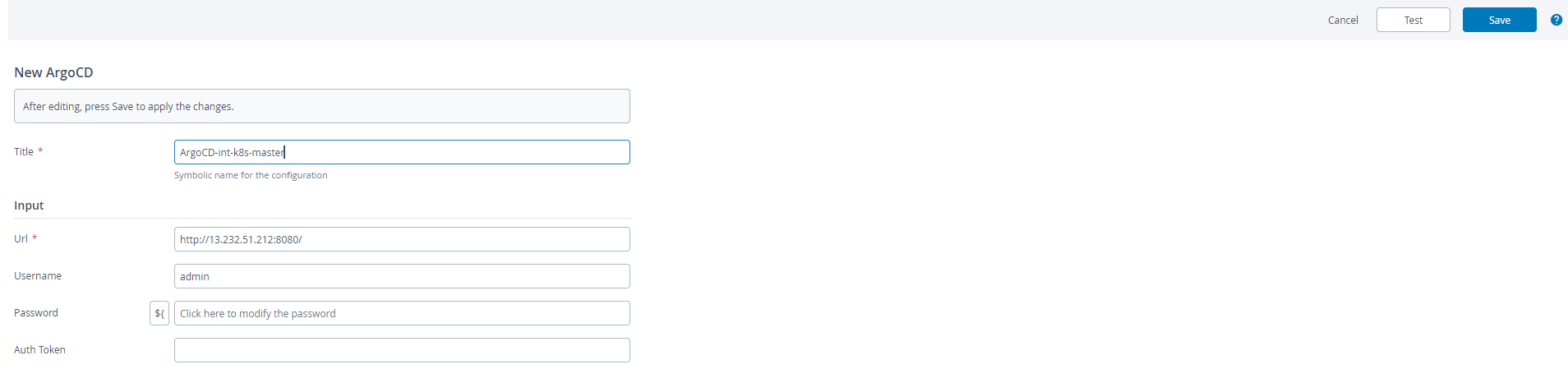
-
Click Test to verify your connection to the Argo CD server.
-
Click Save if the connection is successful.
Argo CD Tasks
The following tasks are available with the Argo CD plugin
- Add Repository
- Create Project
- Create Application
- Sync Application
- Get Sync Status
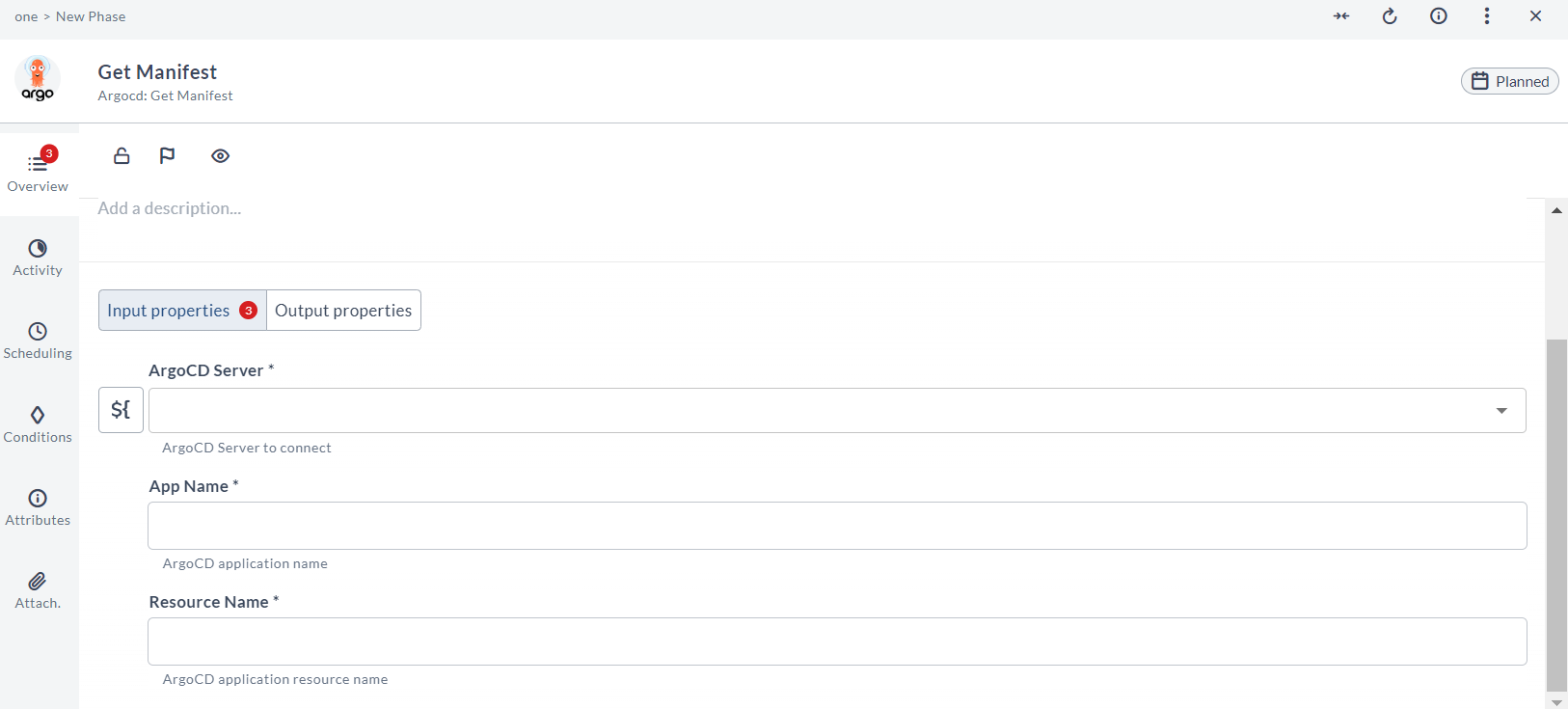
- Get Manifest
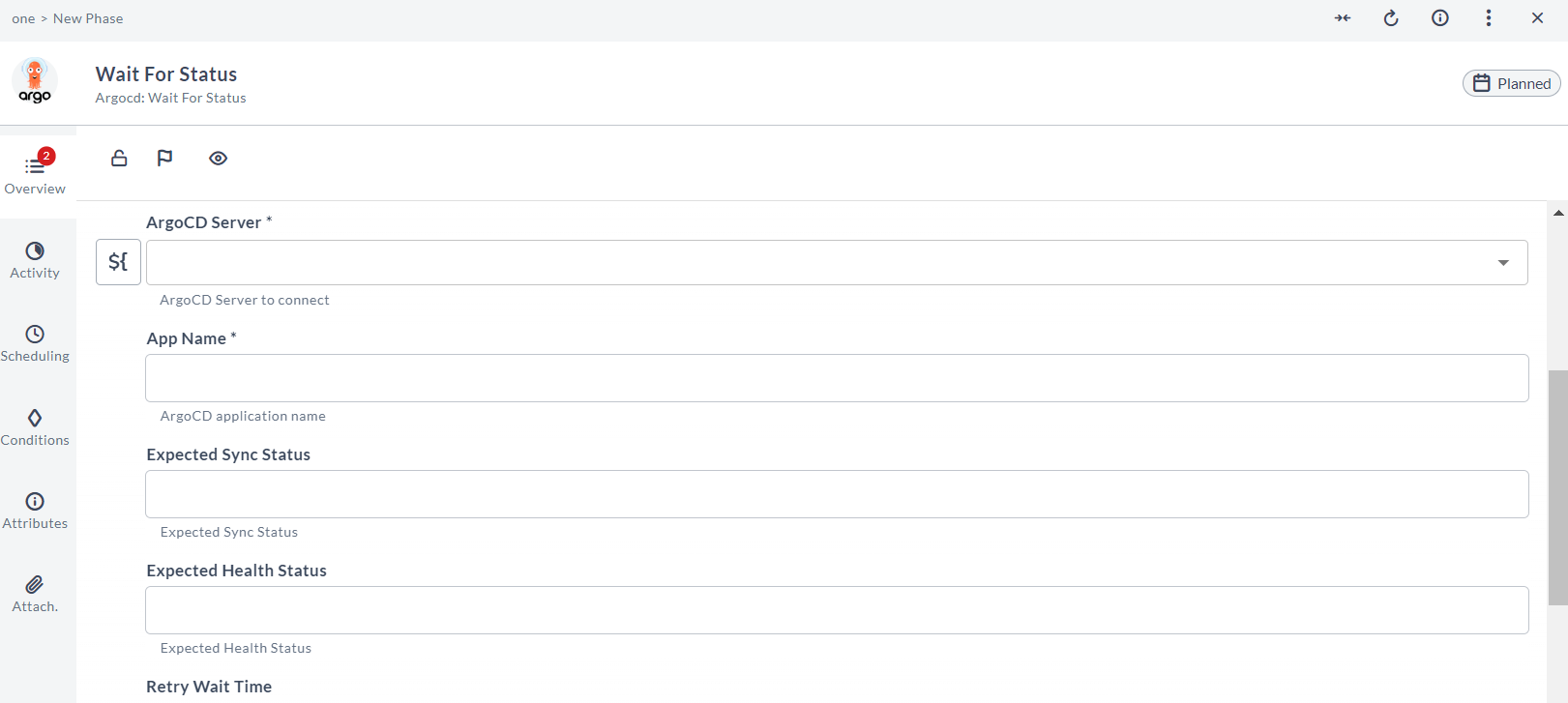
- Wait For Status
- Get Revision Metadata
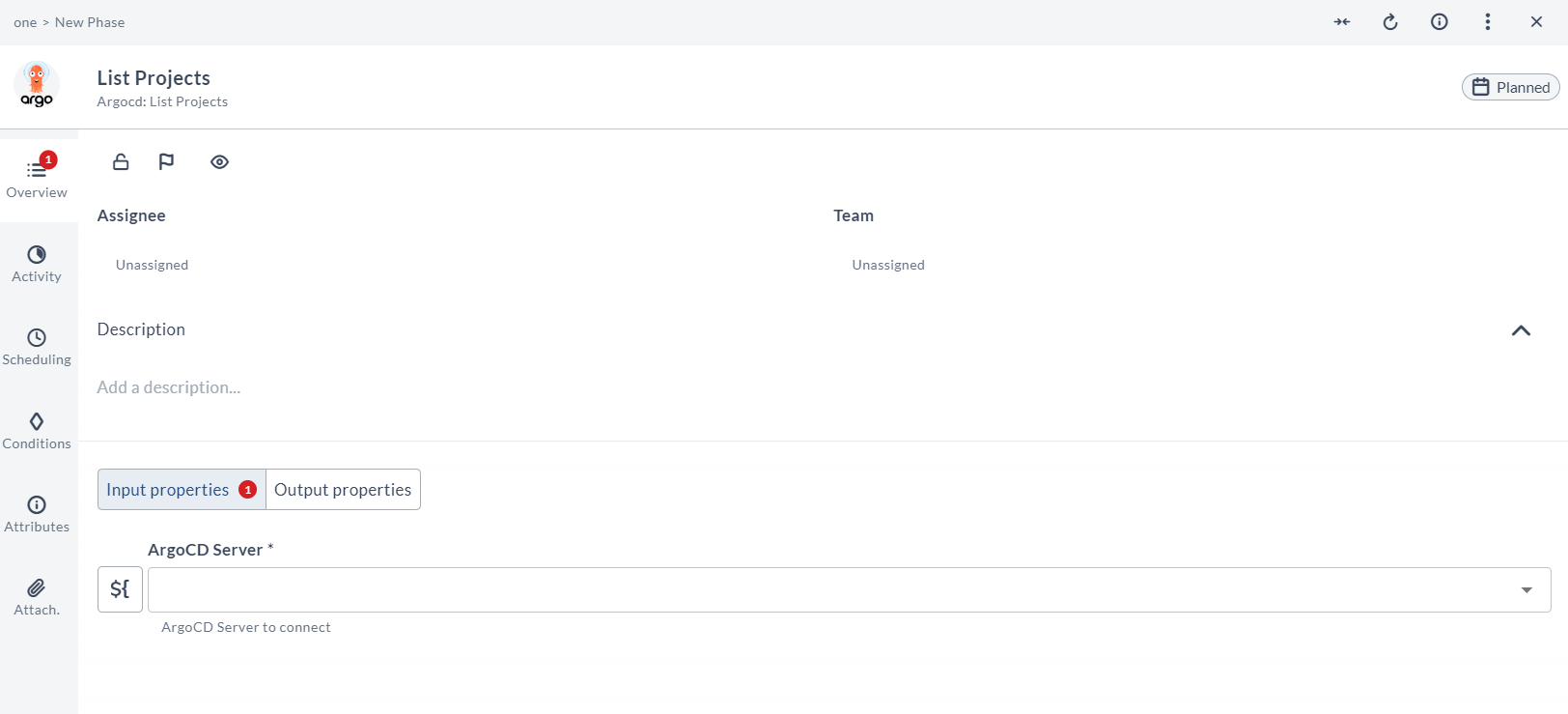
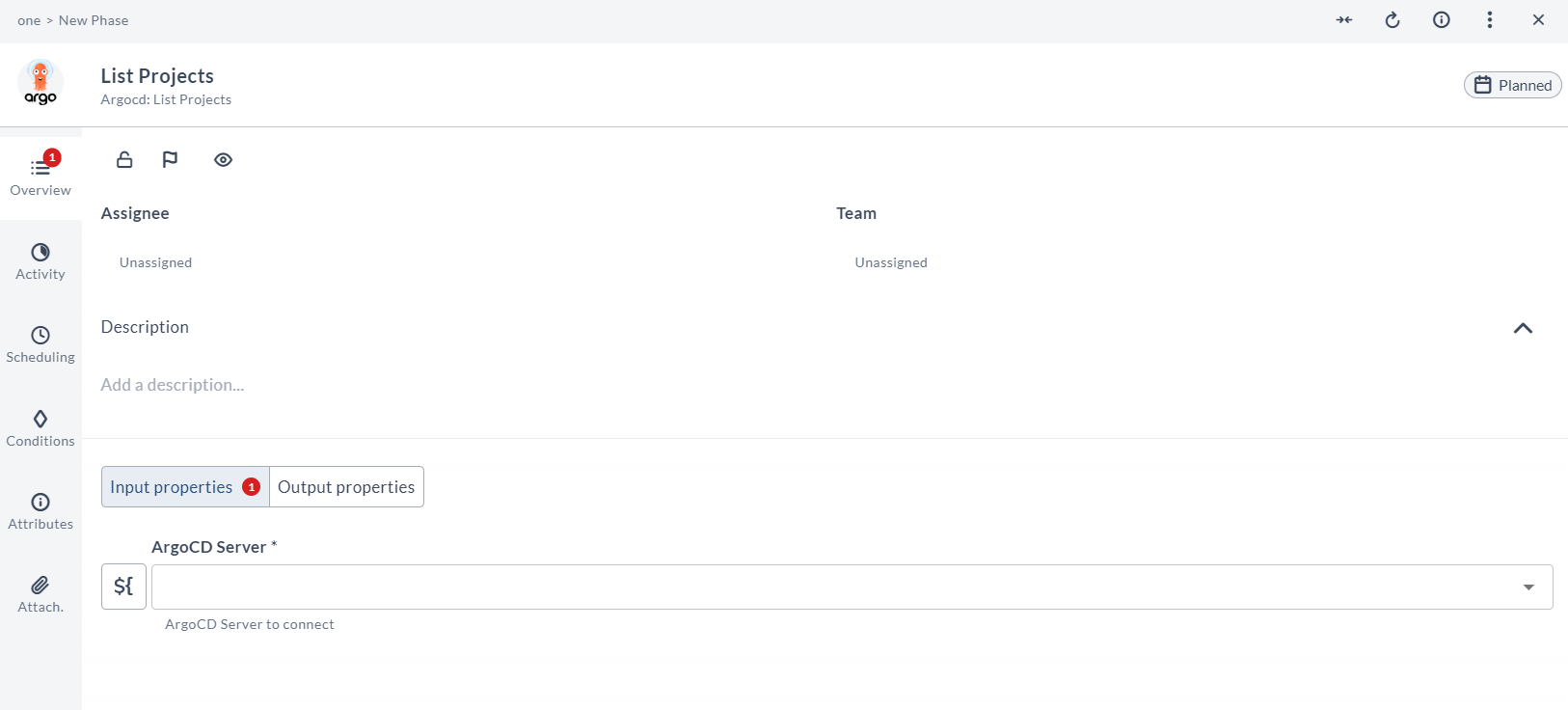
- List Projects
- List Repositories
Each task in the Argo CD plugin includes a set of input properties and output properties. Input properties pass in parameters required for execution, while output properties capture the results returned by Argo CD.
The task output properties can be mapped to Release variables for later use.
For more information, see Mapping Task Output Properties to Variables.
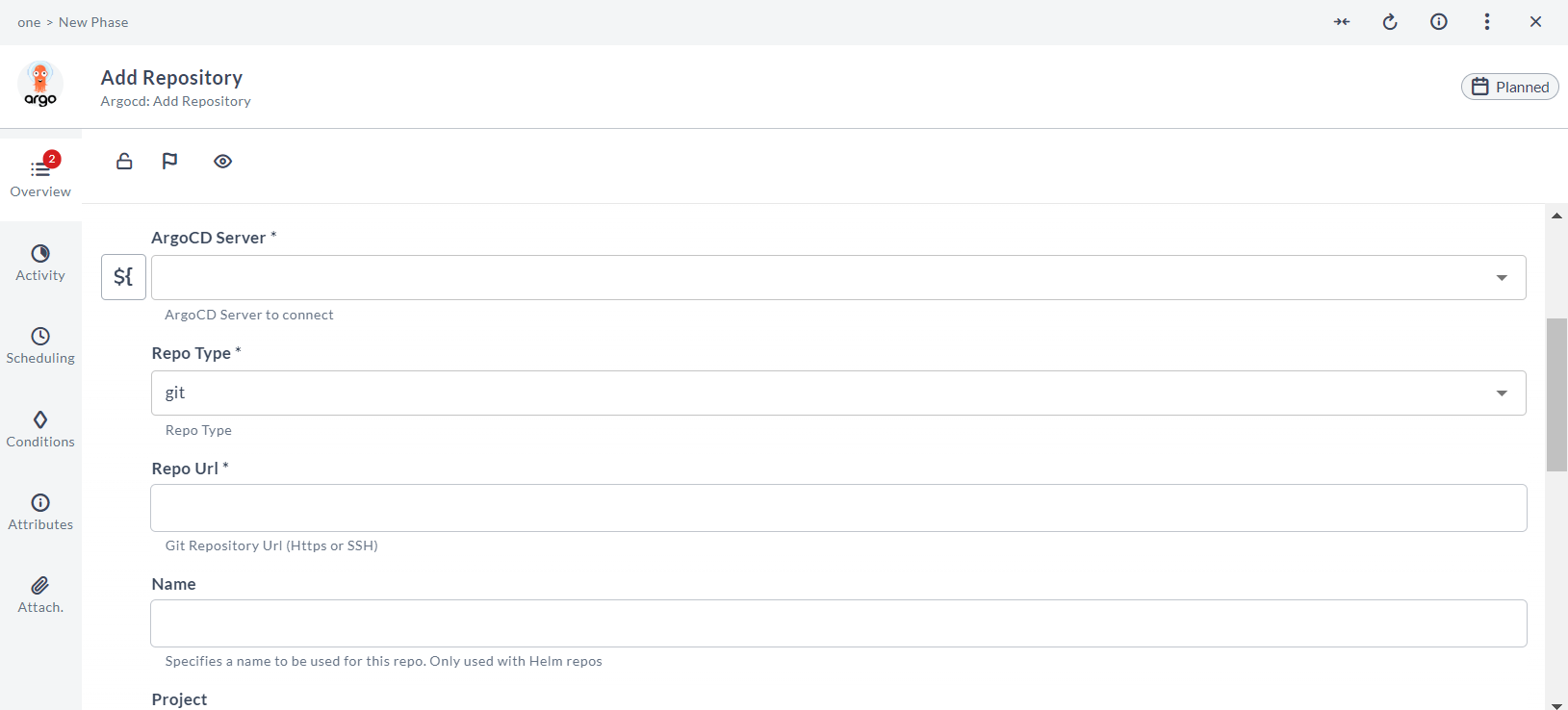
Add Repository
Adds a new git repository configuration in the Argo CD instance.
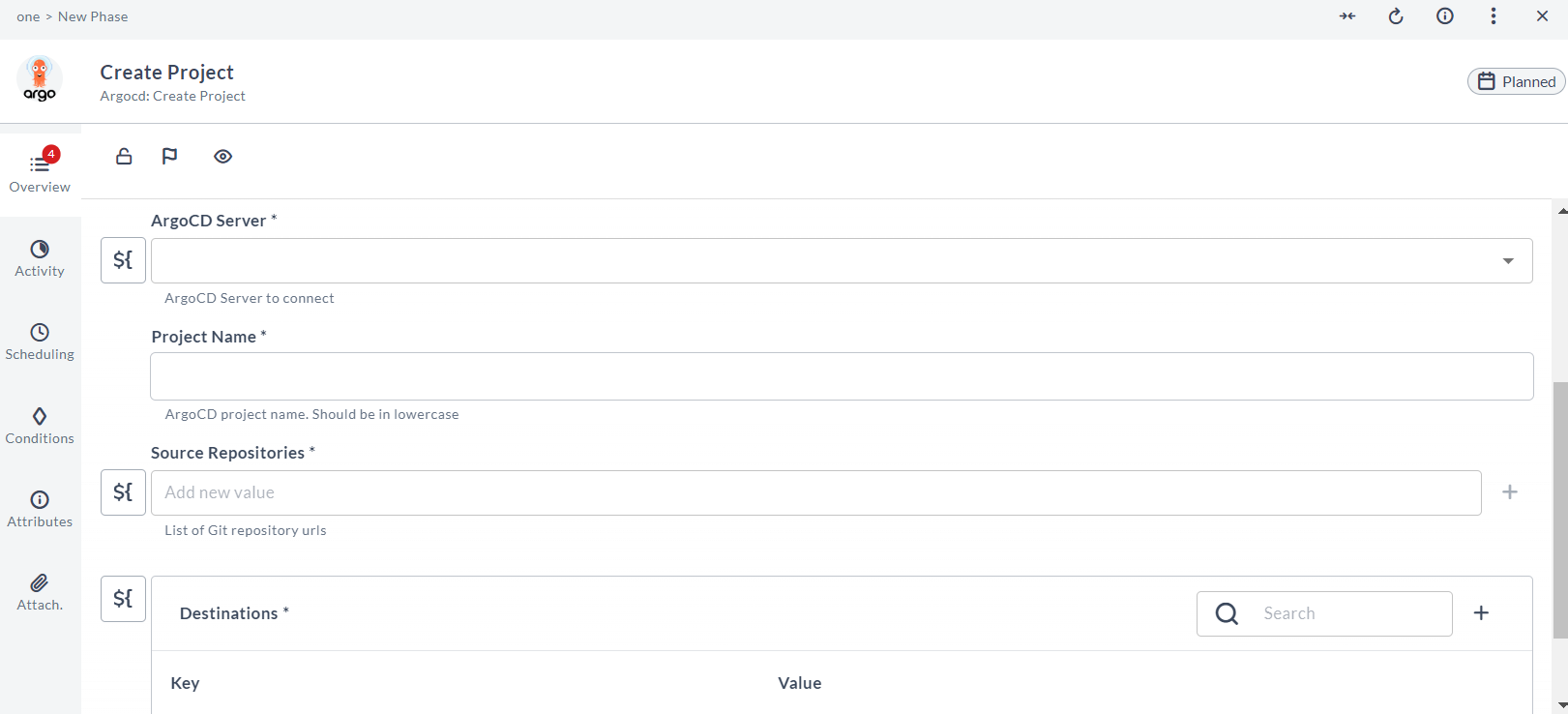
Create Project
This task lets you create an Argo CD Project.
Create Application
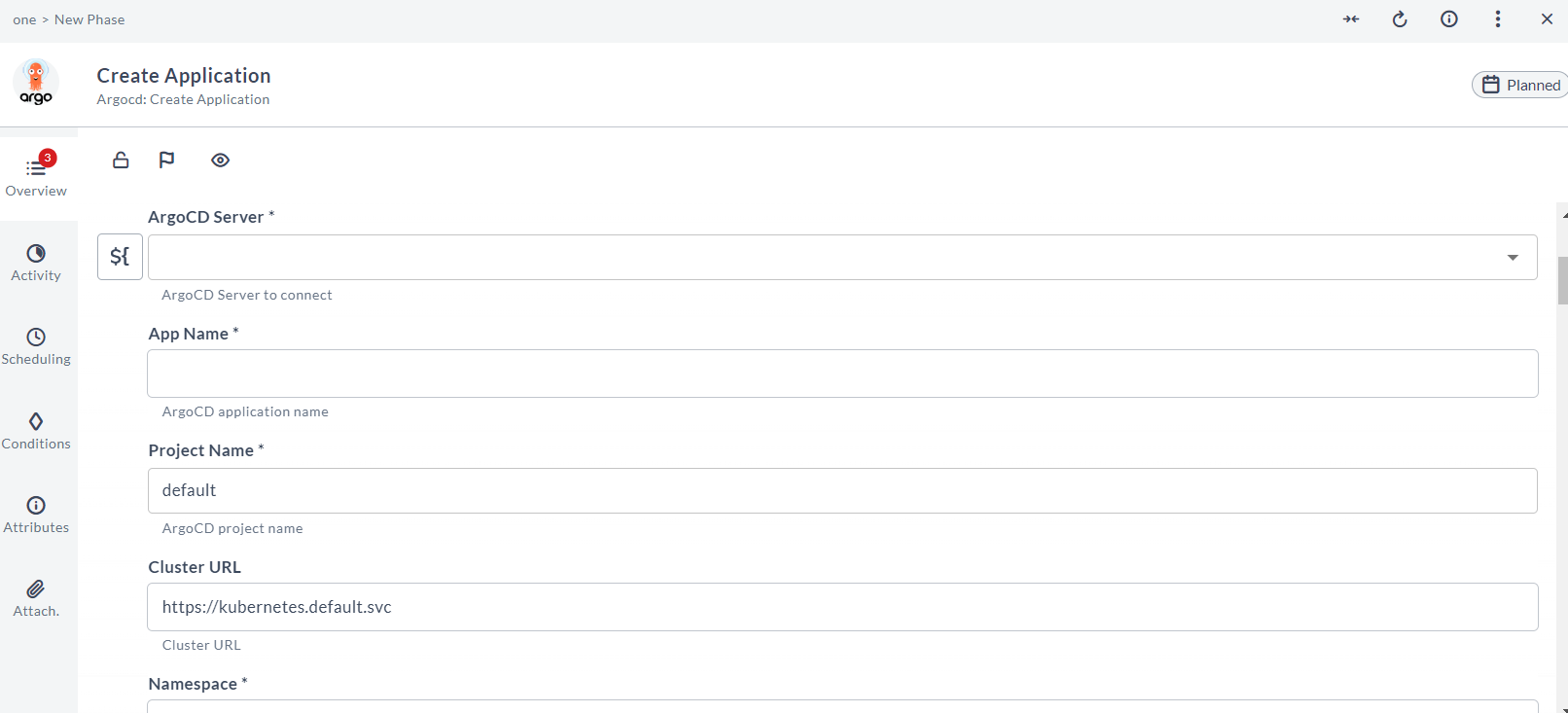
This task lets you create an Argo CD application from definitions in the provided git repository.
-
The task takes in parameters like the source repository url, destination cluster, and name space and sync options.
-
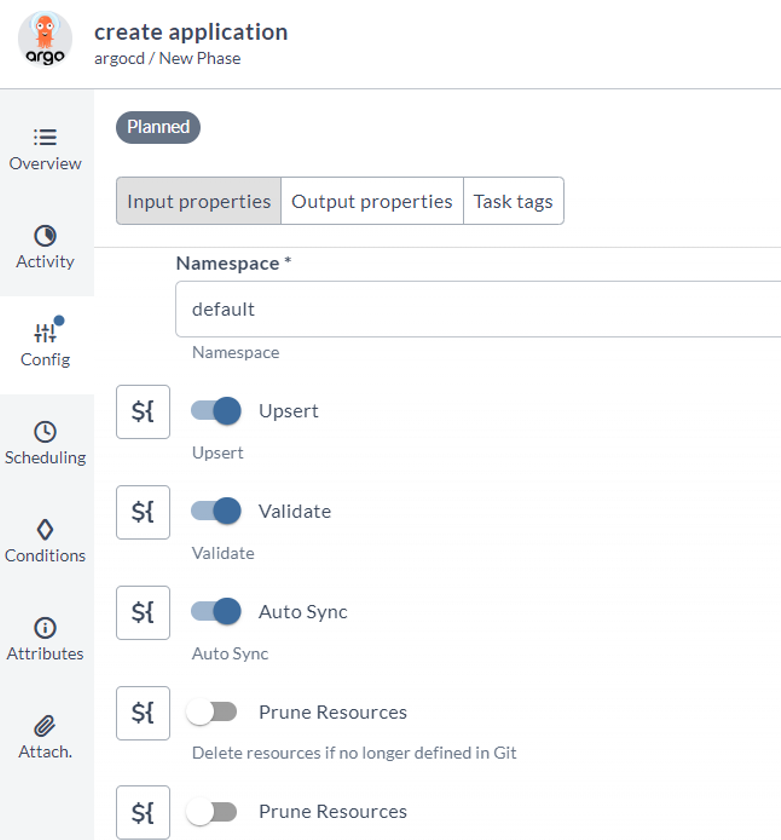
Options to specify Validate check and Upsert operation has been added
-
On successful creation, it returns the created application name.
Sync Application
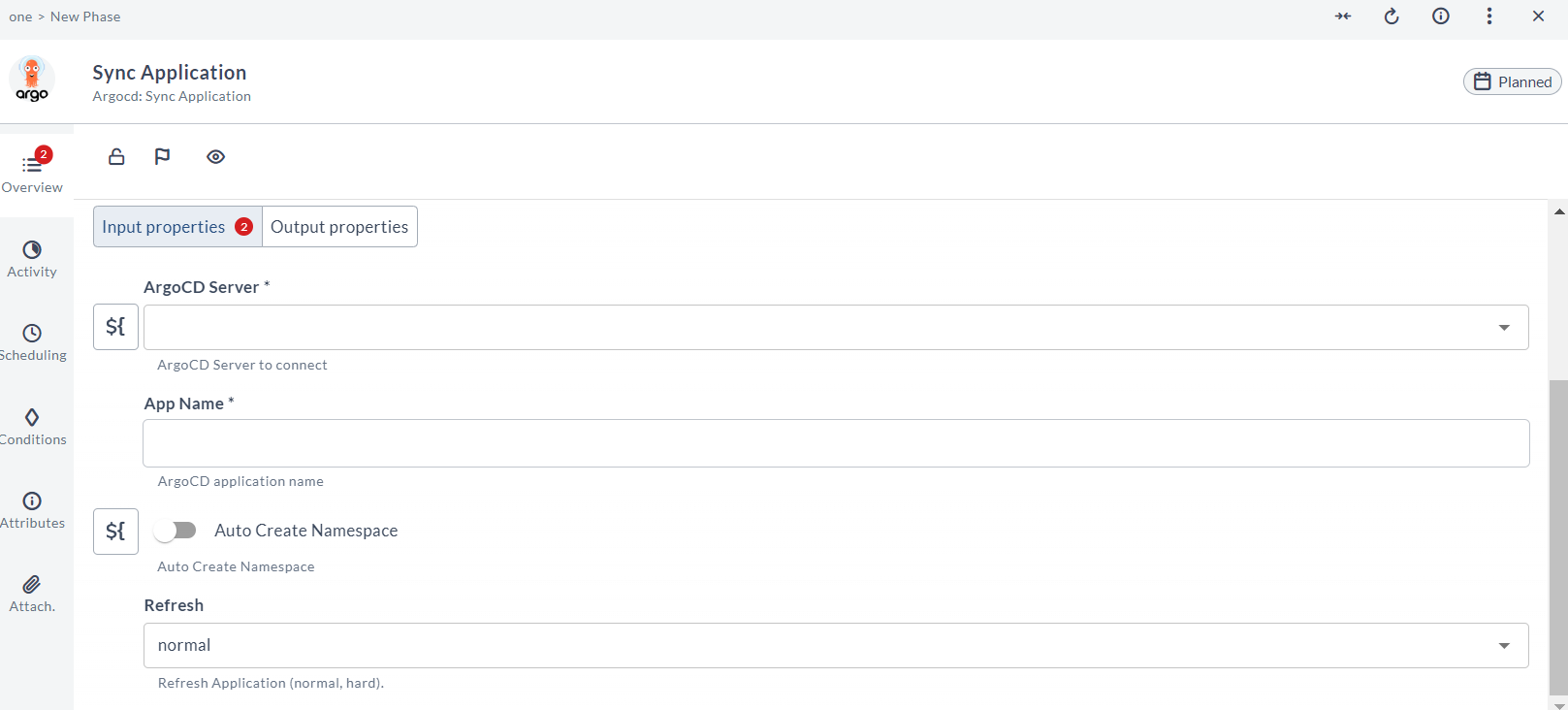
This task lets you sync an Argo CD application to the Kubernetes cluster provided. The task takes in the application name as parameter and returns the sync status.
Get Sync Status
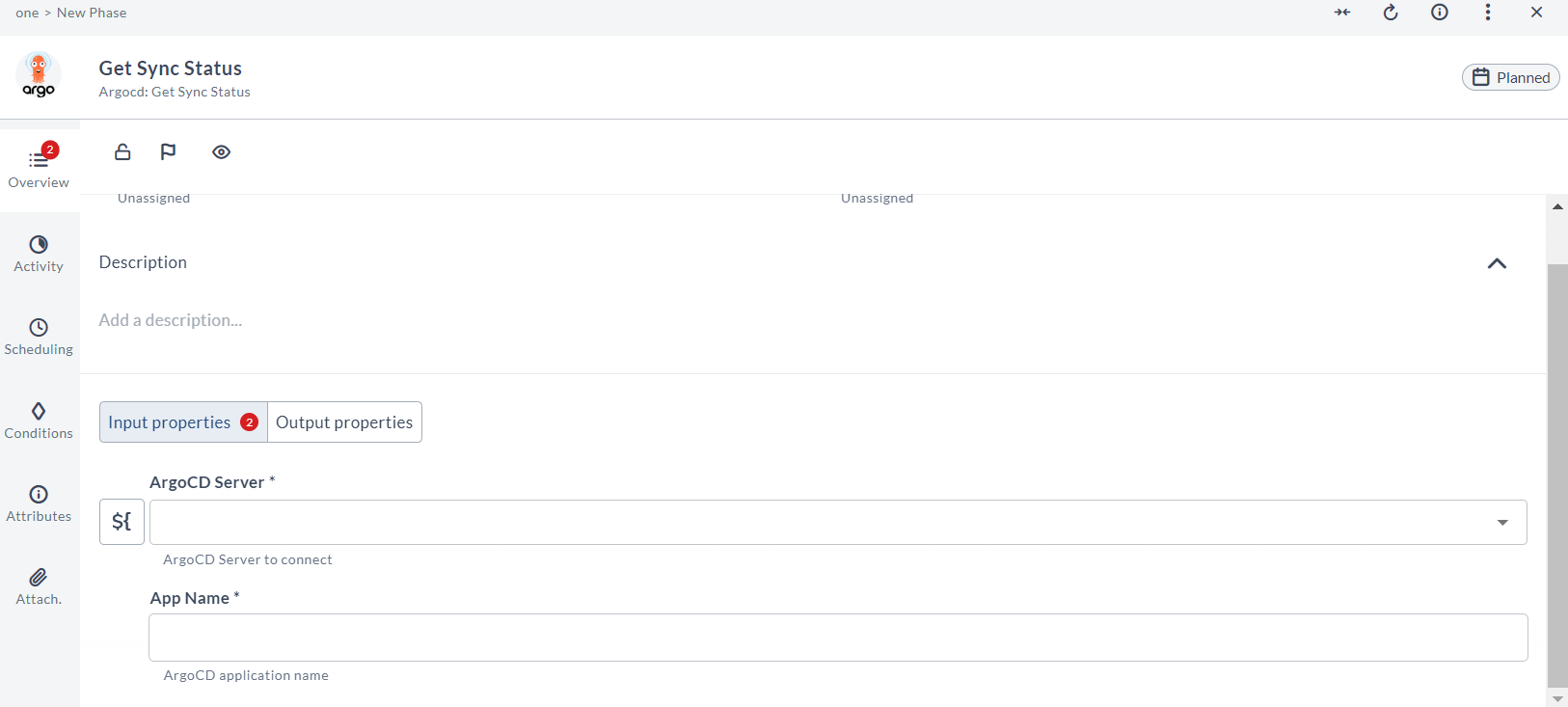
This task lets you get the sync status an Argo CD application.
Get Manifest
This task lets you get the live and desired state manifest data.
Wait For Status
This task is used to wait for the Argo application to move to the expected sync and health status.
Get Revision Metadata
This task is used to retrieve the application revision metadata based on the revision ID.
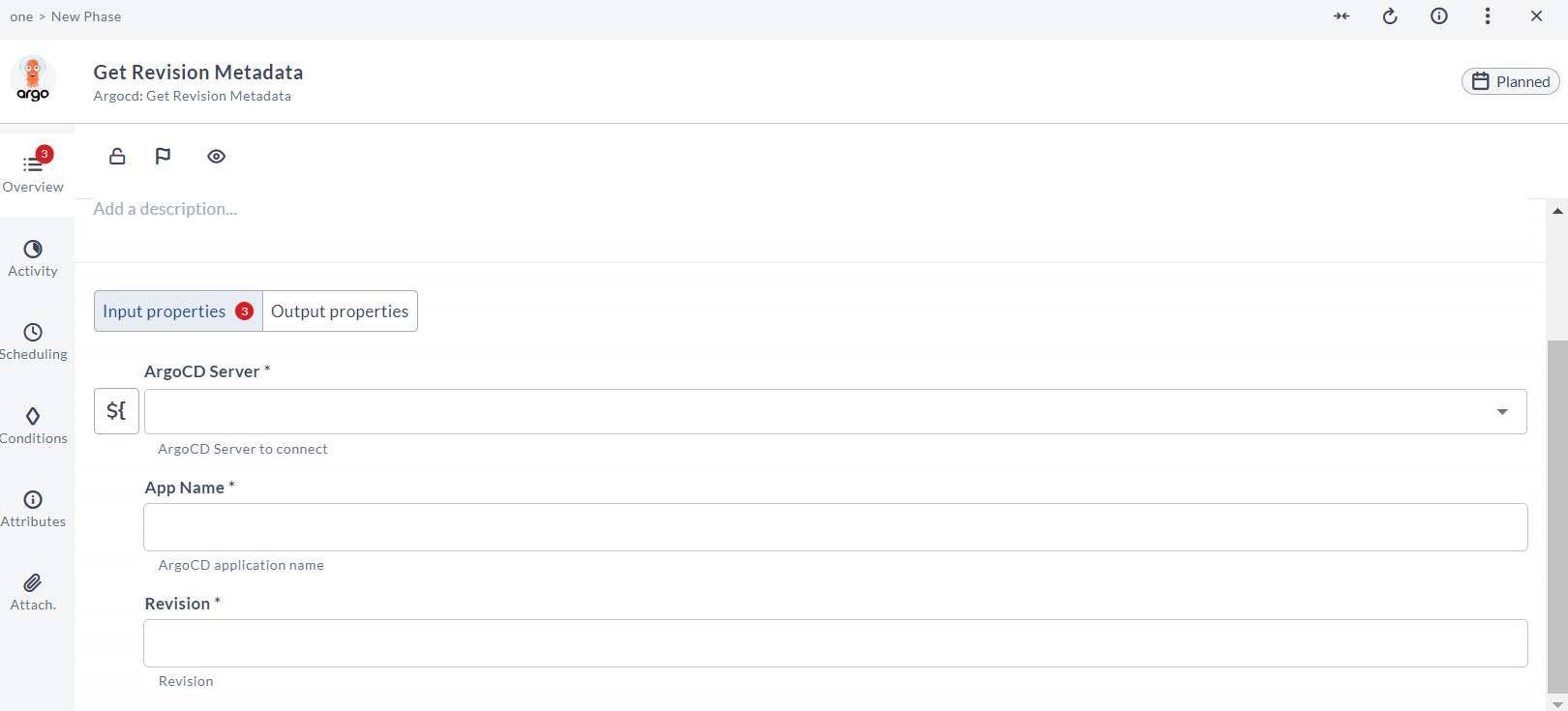
Note: An input field called Revision is introduced with
GetRevisionMetadatatask.
This Revision field is added as an output field in SyncApplication and SyncStatus tasks.
You can use these revision values in a complete flow context.
List Projects
This task is used to retrieve and display information about all the configured projects in the Argo CD instance.
List Repositories
This task is used to retrieve and display information about all the GIT repositories configured in the Argo CD instance.