Task Failure Handler
Using the Handling failure property you can enable failure handling on any task in a phase. You can use this to execute a script when the task failure or to skip the task.
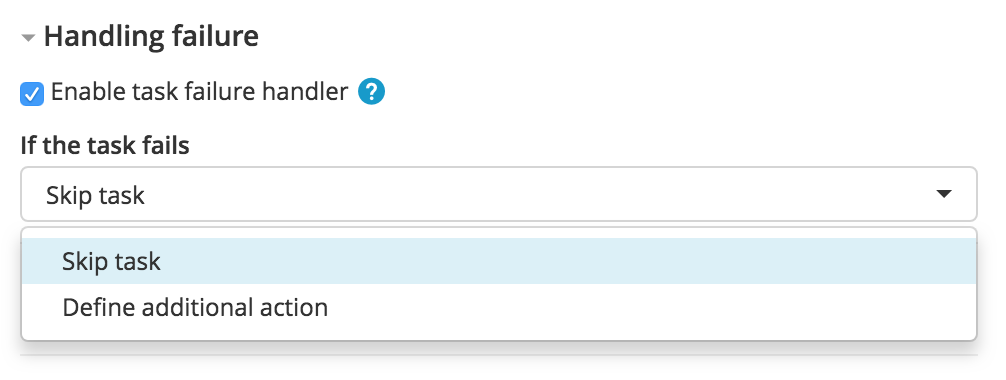
-
Skip task: If the task fails, it is automatically skipped.
-
Restart phase: If the task fails, phase will be restarted based on the latest version of the current phase and release will be automatically resumed.
Set a variable to be used on a precondition
Depending on the status of a tasks, you can execute the succeeding task or group of tasks by setting the value of a variable and using it in a precondition:
- Create an
executeTaskvariable of typeBooleanwith the default value set toTrue(click on checkbox). - Set the operation to Define additional action.
- Set the following script:
releaseVariables['executeTask'] = False
- Set the precondition on a task or task group:
${executeTask}.
Skip a phase in advance
You can skip a complete phase if an error occurred in previous phases:
- Set the operation to Define additional action.
- Set the following script:
phase = phaseApi.searchPhasesByTitle("next phase", getCurrentRelease().getId())[0]
for task in phase.tasks:
  taskApi.skipTask(task.getId(), "Skipped from failure handler.")
taskApi.skipTask(getCurrentTask().getId(), "Skipped task from failure handler.")
Restart Phase
Using this failure handler option you can restart the latest version of the current phase.
This will automatically resume the release after the restart.