Release Dashboard
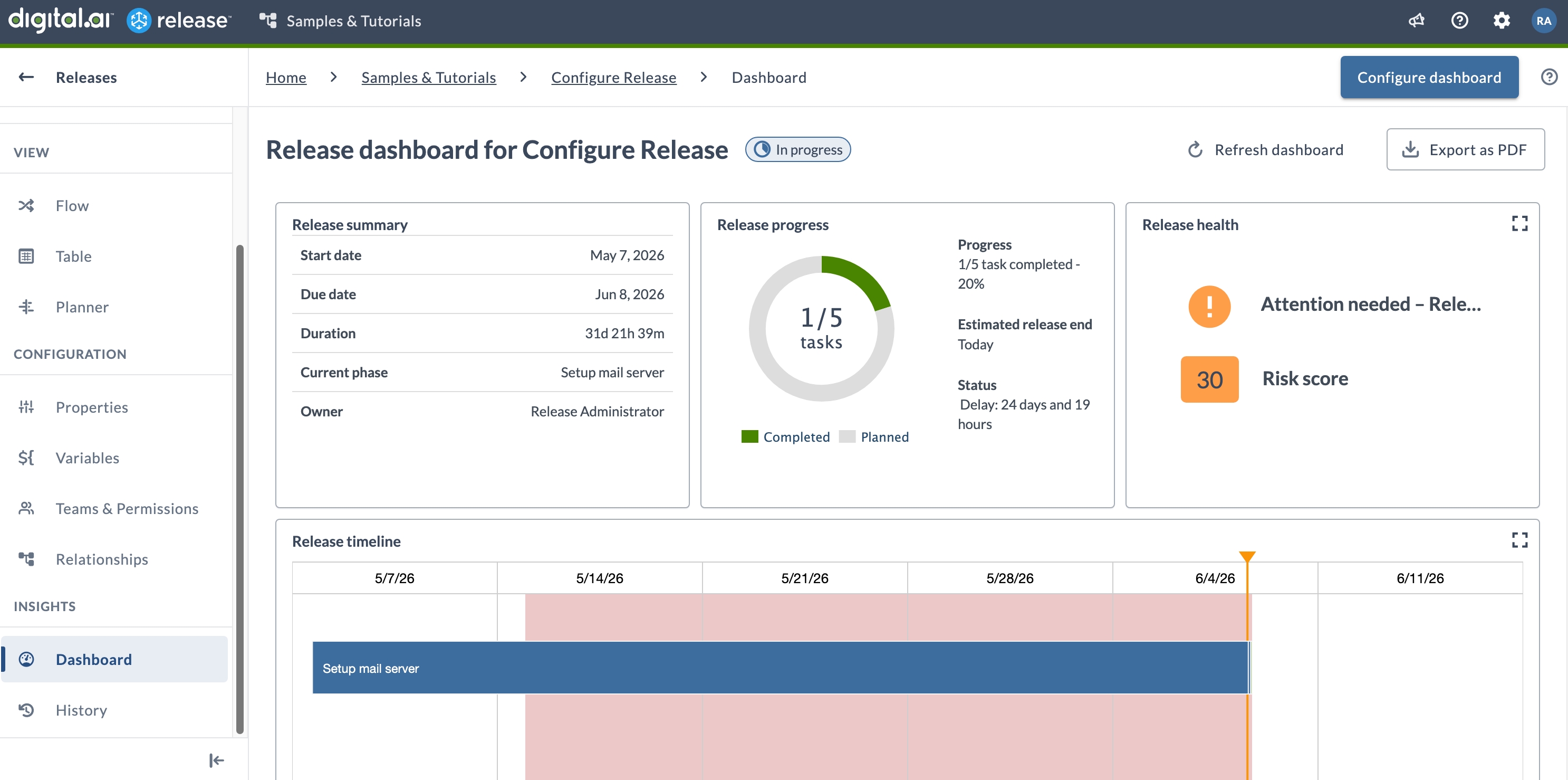
The release dashboard displays planning information and release status through configurable tiles. You can add, move, resize, and remove tiles to build a view that fits your team's needs.
Access the Dashboard
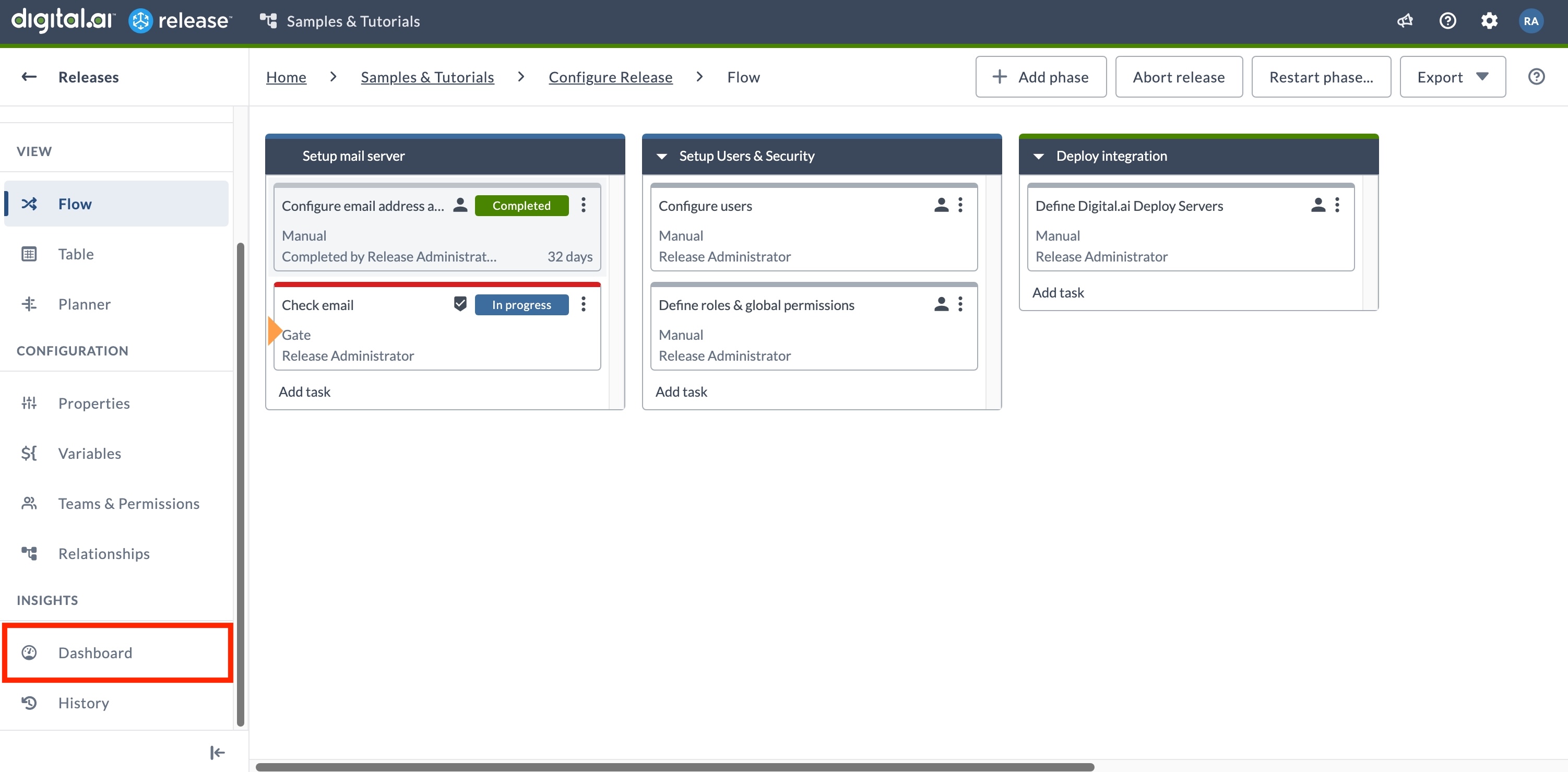
To open the dashboard for a release or template:
- From the navigation pane, under Overview group, click Releases.
- Open a release.
- From the navigation pane, under Insights group, select Dashboard.
For information about the available tiles, see Overview of release dashboard tiles.
Release Dashboard
Add Tiles
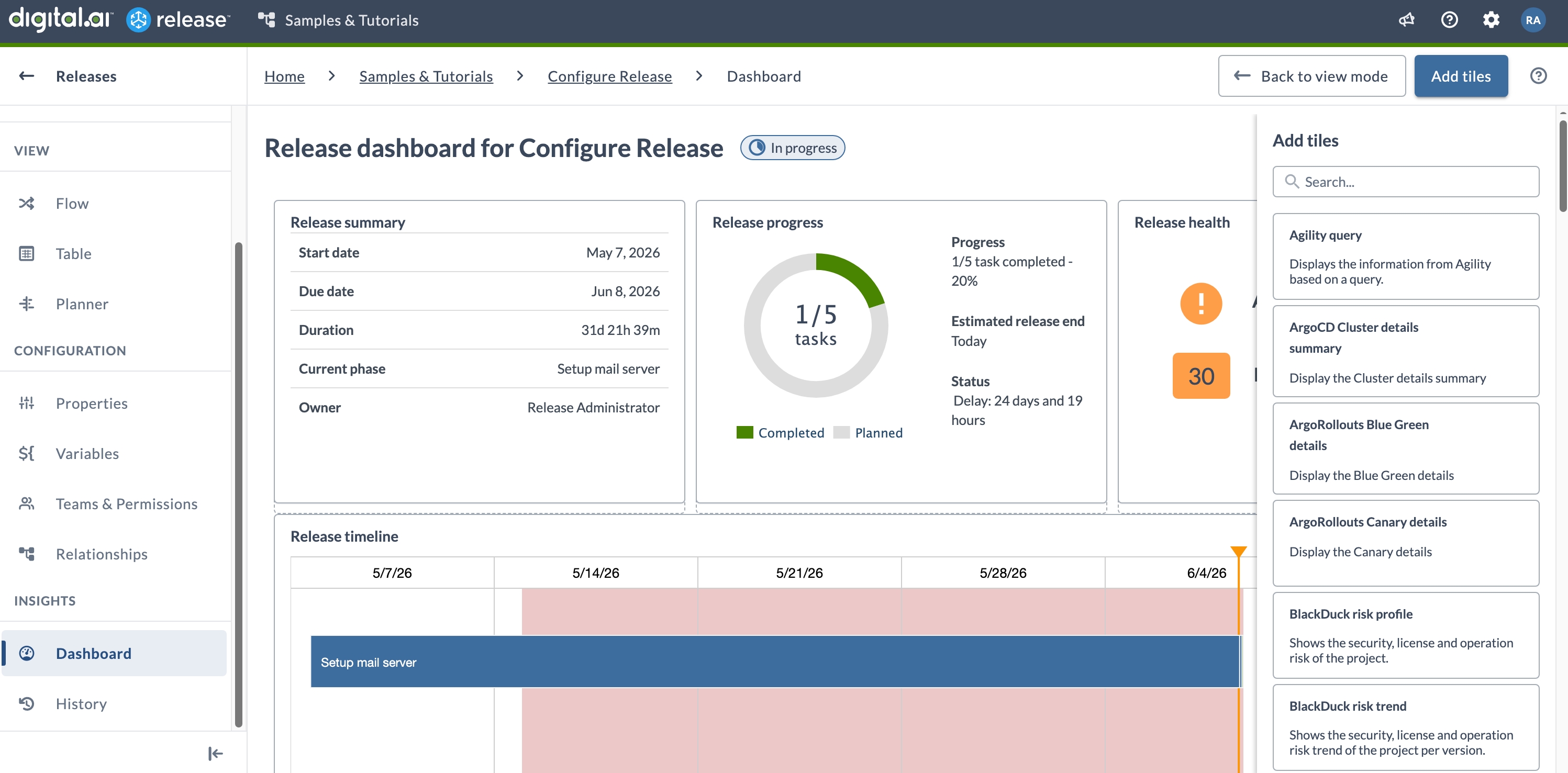
To add a tile to the dashboard:
- Select Configure dashboard.
- Select Add tiles.
- Find the tile in the list and select Add.
- Optionally, resize or reposition the tile.
- Select Back to view mode to save your changes.
Configure Tiles
To configure a tile:
- Select Configure dashboard.
- Hover over the tile you want to configure. A gear icon appears in the tile.
- Select the gear icon.
- Make your changes and select Save.
- Select Back to view mode to save your changes.
Arrange Tiles
To arrange tiles:
- Select Configure dashboard.
- Hover over a tile to reveal the drag handle.
- Select and hold the tile header, then drag it to the desired position.
- To resize a tile, drag its lower-right corner.
- Select Back to view mode to save your changes.
View Tile Details
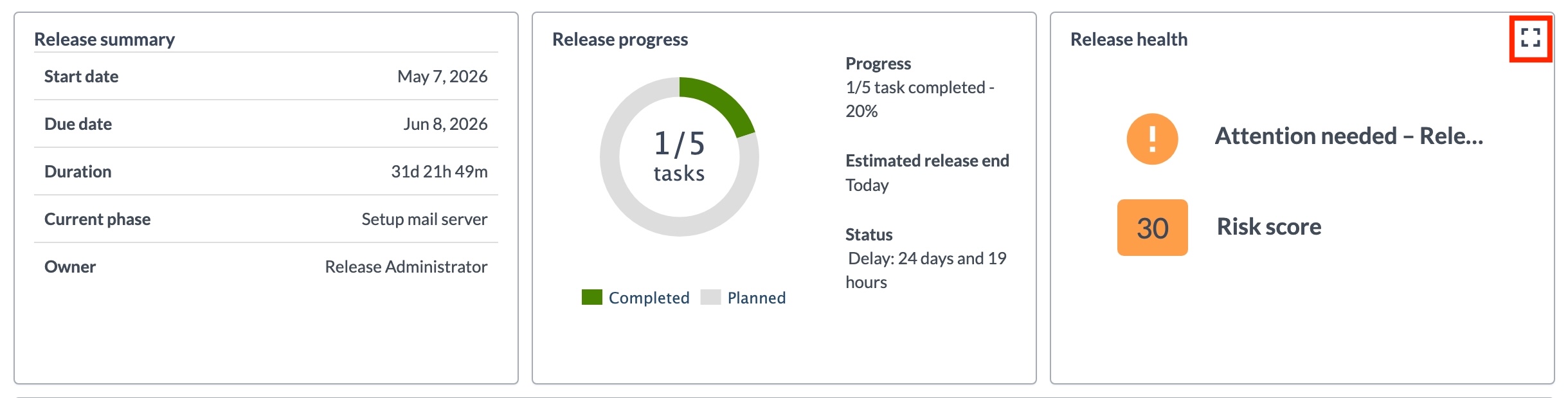
Some tiles offer a detail view with additional information.
- Select the full-screen icon in the top-left corner of the tile.
- Select Back to view mode to return to the dashboard.
Remove Tiles
To remove a tile:
- Select Configure dashboard.
- Hover over the tile you want to remove. A delete icon appears.
- Select the delete icon.
- Select Back to view mode to save your changes.
Removing a tile cannot be undone.
Export as PDF
To export the dashboard as a PDF, select Export as PDF.
The exported PDF uses the logo configured in General Settings. If no custom logo is configured, Release uses the default Digital.ai logo.
Release captures the dashboard at 100% screen resolution regardless of your current browser zoom level. If the dashboard content does not fit on a single page, Release splits it across multiple pages and adds a continuation note.