AI Settings
In this topic, you will learn how to configure the AI settings.
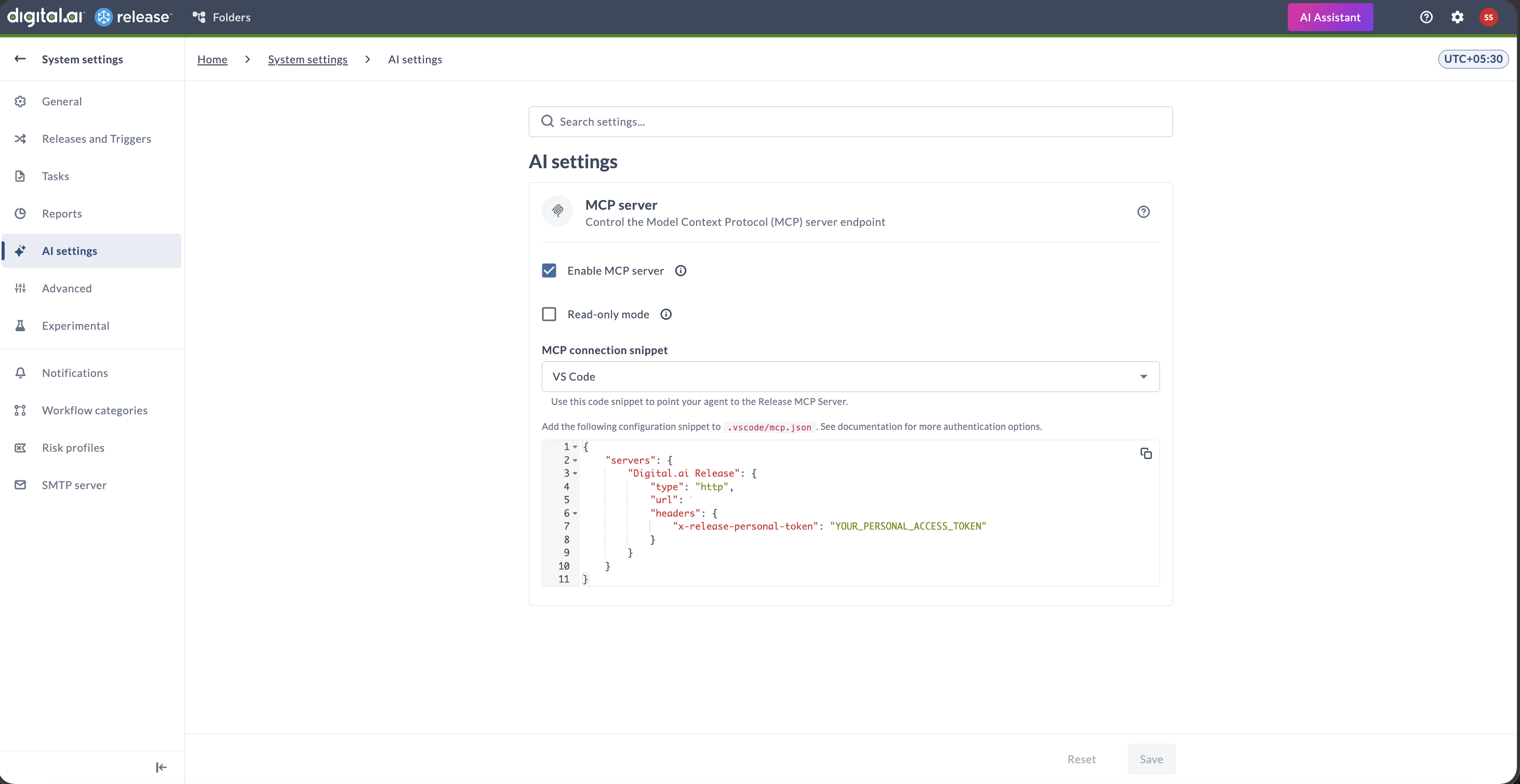
Navigate to the upper-right corner of the screen, click  > System Settings > AI Settings.
note
The AI Settings page is available only for Administrators, who have the Admin global permission.
MCP Server
Digital.ai Release runs a Model Context Protocol (MCP) server in-process. Two runtime settings control it. Both are distributed feature settings, a change on any node propagates across the cluster and takes effect immediately, with no restart.
- Enable MCP server: Enabled by default. When disabled it returns
HTTP 404error, as if the endpoint did not exist. - Read-only mode: Disabled by default. When enabled, mutating tools are hidden from the tool list and rejected if called. Only read-only tools remain available.
The tools served by the MCP server are contributed by the xlr-mcp-tools-plugin plugin. For the tool list and setup, see Release MCP Tools Plugin.