Access Dashboards
Dashboards can be accessed in two ways:
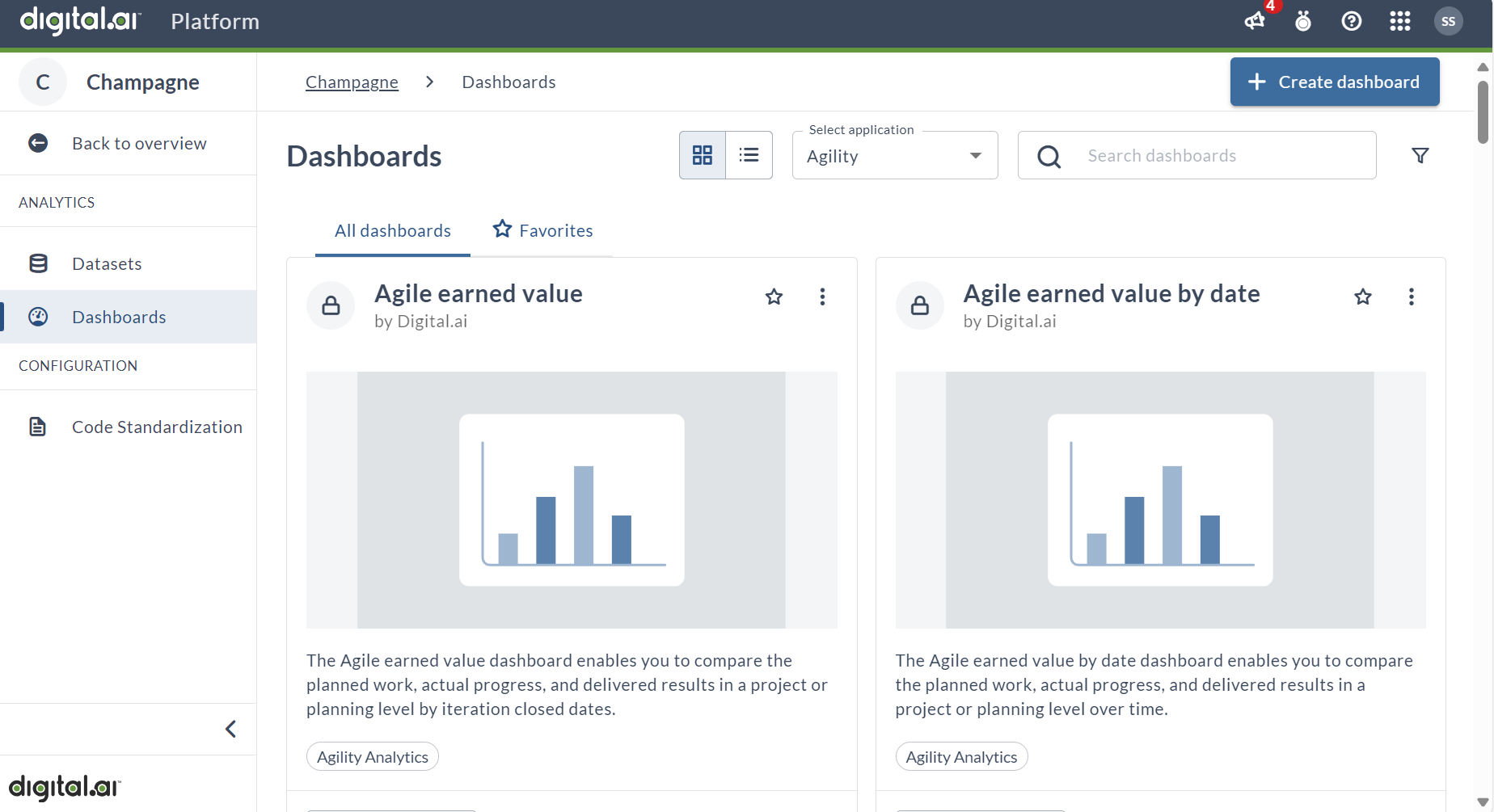
You can access dashboards from the Platform itself.
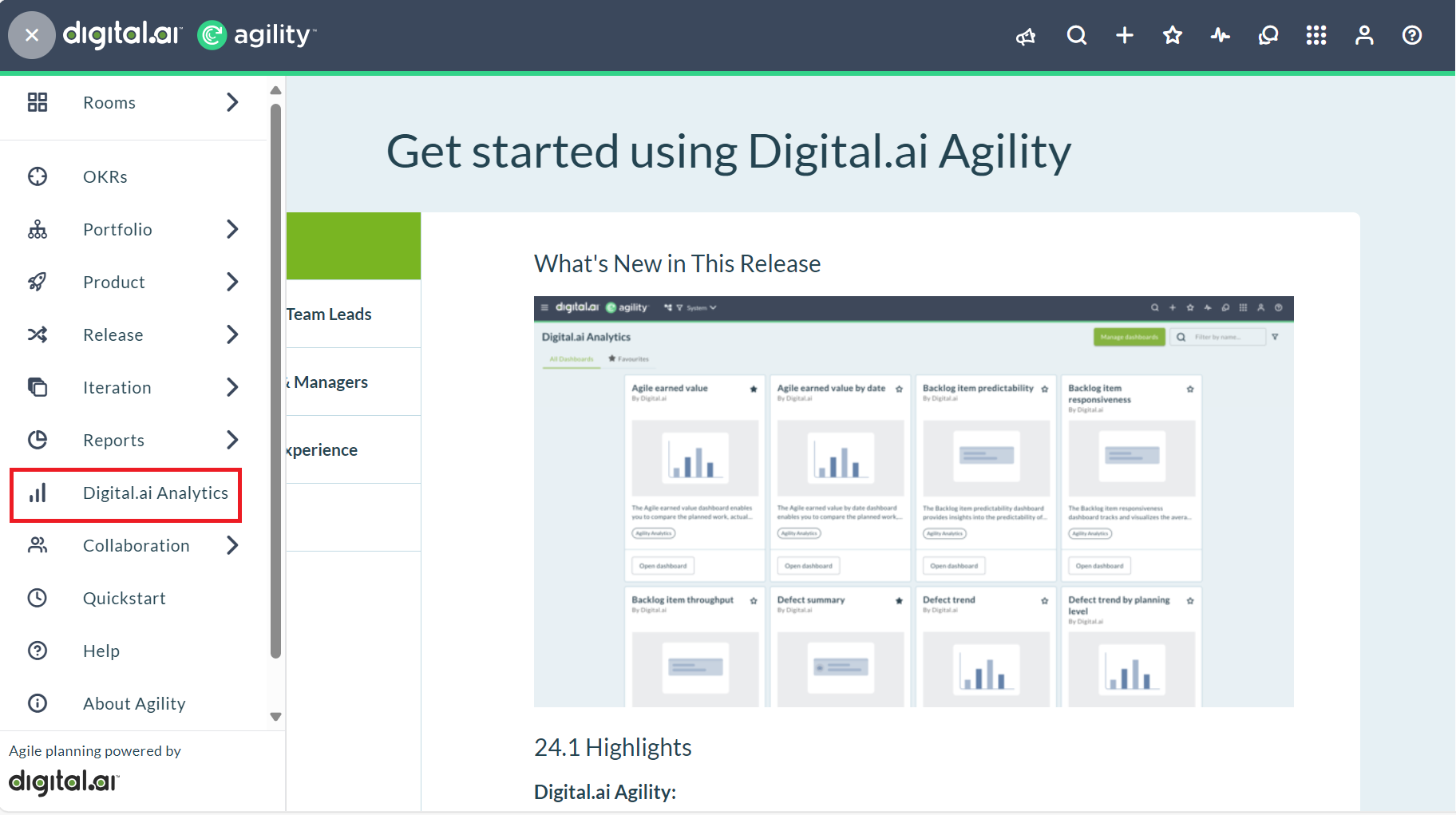
You can also access dashboards that are embedded in the individual Digital.ai products, such as Agility or Release. Click Digital.ai Analytics option in the hamburger menu.
For example, in Agility:
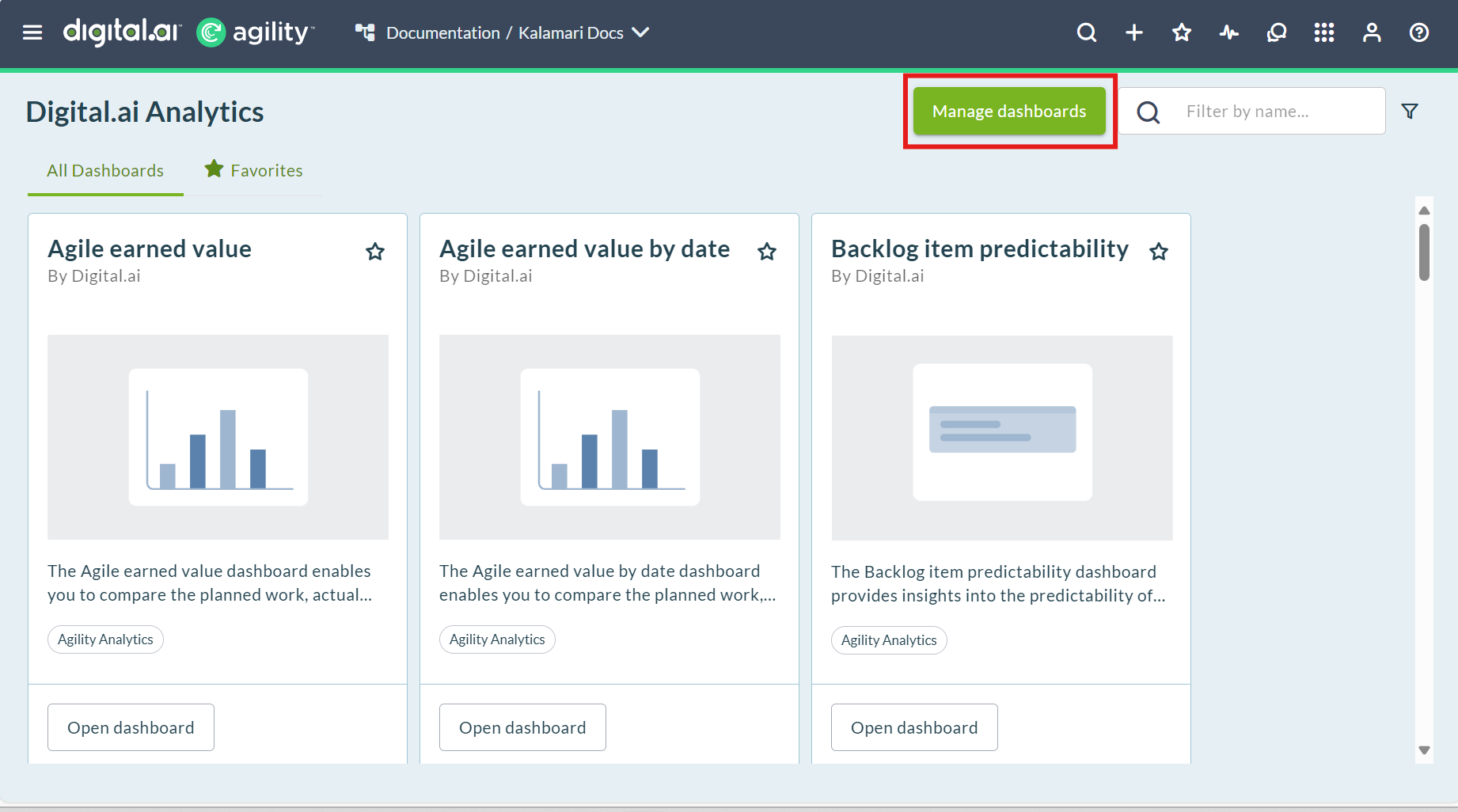
When viewing an embedded dashboard, you can click Manage Dashboards to customize the dashboard.
Depending on whether or not you have configured SSO integration, users may encounter a login screen when viewing a dashboard from the product.
Users with the account-user role can only view dashboards, while users with the account-analytics-author role can edit and create dashboards. For the full breakdown of analytics permissions by role, see User Roles and Permissions.