Digital.ai Testing 26.7 Release Notes
Support for Maestro Test Execution – Now Available
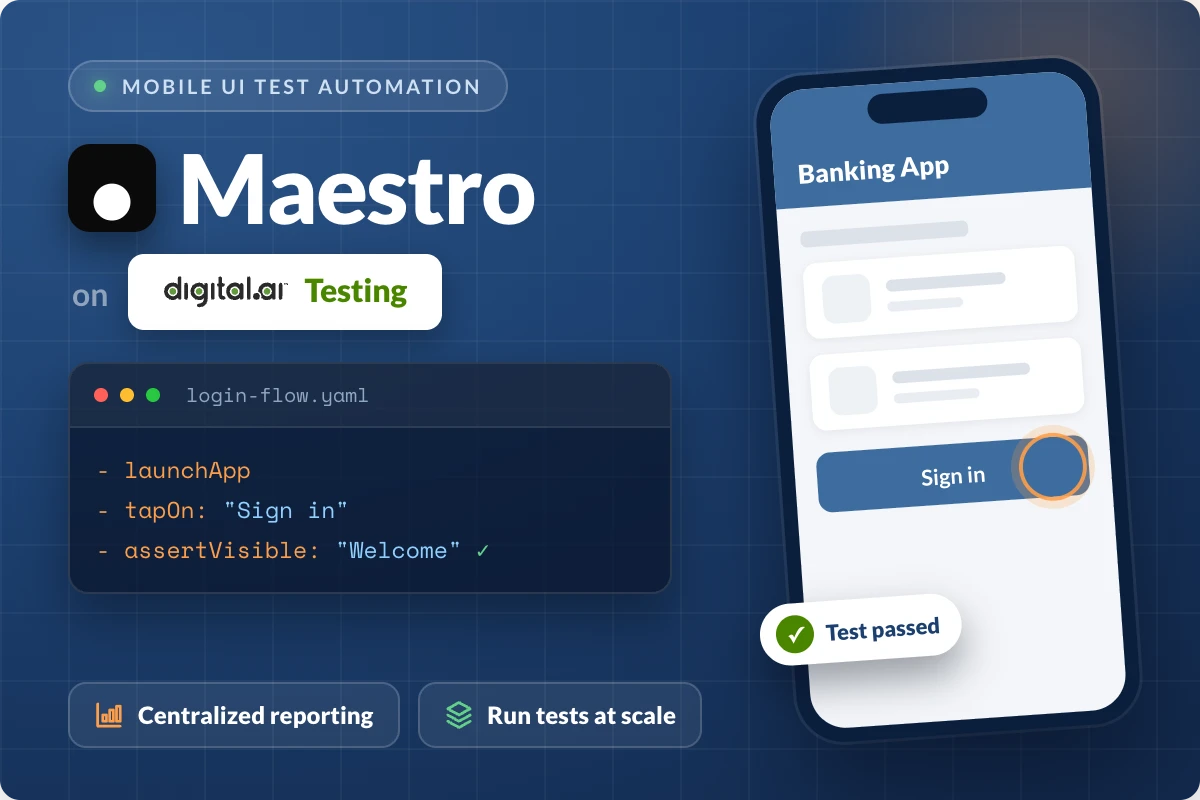
Digital.ai Testing now supports Maestro test execution on real Android devices and emulators. Existing Maestro flows run unchanged, allowing teams to scale execution without managing their own device infrastructure.
Tests can be triggered through APIs, with centralized reporting that includes video recordings, step-by-step output, and execution logs for every run.
With Maestro supported on the platform, teams can use their framework of choice without being limited by their testing infrastructure.
Learn more in the documentation.
Bug Fixes and Improvements
-
Cloud
- Added new REST API endpoints to read and update the maximum automation memory allocation for Grid/Appium Server processes on a per-project basis. Cloud and project administrators can now inspect and adjust this value programmatically and not only manually through the UI.
-
Reporter
- Added a new property –
device.pool.actual– for mobile automation tests running across shared and dedicated devices. This property identifies which device pool each test used and is now available in the Test Report, as a filter, and as a column in the Tests table. Learn more. - Resolved an issue where reports showed "No Video Available for This Report."
- Added a new property –
-
Android Support
- Fixed an issue where application icons were not displayed in the Application Manager.
- Fixed an intermittent issue where Performance Transaction recorded the wrong application on devices running Android 12 or later.
- Fixed an issue where the Secure Screen displayed a black screen on devices with a non-English system language.
-
iOS Support
- Fixed an intermittent issue where devices became unresponsive after a reboot.
- Fixed an issue where web elements on zoomed pages were incorrectly reported as not visible on iOS 18 or earlier.
- Fixed an intermittent issue where Wi-Fi failed to turn back on after being disabled using SetNetworkConnection.
- Fixed an issue where the SetNetworkConnection command failed to toggle airplane mode on devices running iOS 27 beta.
- Fixed an issue where the SetNetworkConnection command did not turn Bluetooth off when it was already enabled on devices running iOS 27 beta.
- Fixed an intermittent issue where devices became unresponsive during a test and required a manual reboot to recover.
-
Appium Server
- Resolved an issue where Appium was unable to create a web session on iOS devices when the acceptInsecureCerts capability was set to true.
Important Notes
Deprecation Notices
-
Intel-based Mac Support – The following products and features are being phased out:
- SeeTest Automation
- [LEGACY] Appium Studio for IntelliJ
- Network Tunneling Client
Please note that Intel-based Mac support (Mac x86 installers) for these components will reach End of Life on version 27.1 (January 2027) - no further Intel-compatible builds will be produced after that release. Customers running these components on Intel Macs should plan to migrate to Apple Silicon (M-series) hardware ahead of this date to avoid service interruption.
-
Reporter URL – Starting August 2026 (v26.8), Reporter URLs based on
test_id(e.g..../html-report/index.html?test_id=123) will be deprecated in favor of new UUID-based Reporter URLs (e.g..../html-report/uuid). This eliminates issues caused by project-specific test ID mappings, allowing reports to be shared across projects. Update any existing report links in your documentation, dashboards, integrations, or other workflows before upgrading. Learn more. -
Local Disk Installation – Starting in version 26.9, the Install from local disk option for the Install command in SeeTest Grid is deprecated and will be discontinued at the end of September 2026. Migrate any test scripts that use local disk paths to install applications through the Application Manager, a URL, or the cloud using a unique application name instead. For migration assistance, contact the Technical Support team.
-
OCR-based Tests – By the end of 2026, OCR-based text recognition in Appium Grid and SeeTest Client workflows will be deprecated. Plan future OCR-based automation using the image recognition capabilities available through Appium Image Recognition on Appium Server.
Known Issues
- iOS 27 beta - Device passcode cannot be disabled on iPads through either the Web Studio UI or the SetPasscode Appium command.
- Switching between Safari browser tabs (window handles) may fail on devices running iOS 18.x through iOS 26.2. This is a known Apple limitation resolved in iOS 26.5 and later.
- Audio recording over Bluetooth may intermittently fail or produce silence on iPhone 17 devices paired with a Bluetooth dongle. Retrying the action sometimes succeeds.
- Accessibility scans using the Deque Axe Driver are temporarily unavailable with Appium 3.3.0 and higher.
Cloud Management and On-Premises Deployment
Release notes related to Cloud Management and On-Premises Deployment are published in On-Premises Cloud Management Release Notes.
This separation improves clarity for On-Premises cloud administrators and includes installation, platform support, and infrastructure-related changes.
Latest Browser and OS Version Support
 |  |  |  |  |  |  | |
|---|---|---|---|---|---|---|---|
| Official | 15.8.X - 26.6 | 9-17 One UI 9 | 151 | 153 | 150 | 26 | 133 |
| Beta | 27 beta 4 | - | - | 154 | 151 | - | - |
Limitations on Android 12 – 17 devices are mentioned here and iOS limitations can be found here.
For browser testing limitations, read more here.
Maintenance Update 1
Release Date: September 14th, 2026
- Fixed an issue where SAML2 Single Logout failed with an authentication error for identity providers using redirect-based logout requests.
- Fixed an issue where SSO login intermittently failed with an authentication error.
- Fixed an intermittent issue where Appium test sessions failed with a socket hang up error.
- Fixed an issue where installing an application failed on simulators running on arm64 machines.
- Fixed an issue where a mocked location reset to the real device location after an app restart.
- We have improved the stability of iOS screenshot capture during Appium automation sessions by optimizing the frame delivery mechanism.
For the latest installer updates, visit our On-Premises Cloud Management Release Notes page.
Next Release
Due date: September 10th, 2026 (or prior)
The due date and highlights of the next release are as anticipated by Digital.ai Testing on the date of release of the current version, and are forward-looking statements. Actual due dates and highlights may vary.