Manage OKR Sessions
In the context of OKRs (Objectives and Key Results), a "session" refers to a specific time frame during which organizations set, track, and review their objectives and key results. A session typically represents a three-month duration, with organizations commonly following the calendar quarters of January to March, April to June, July to September, and October to December.
Sessions help teams:
- Organize objectives within defined timeframes
- Track progress against quarterly or annual goals
- Align work across teams during specific planning periods
- Review and reflect on outcomes at the end of each cycle
Only users with administrator privileges can manage sessions in Digital.ai OKRs.
Who Manages OKR Sessions
Session management is typically reserved for OKR administrators:
- OKR Administrators create quarterly or annual sessions, configure session dates, and set up automated email reminders to prompt reviews.
- Portfolio Managers work with administrators to align session timing with portfolio planning cycles and strategic planning cadences.
- HR or Operations Leaders coordinate session timing with company performance review cycles and annual planning processes.
- Program Managers reference session schedules when planning program increments to ensure OKR alignment with delivery cycles.
Note: Administrators can configure automated email reminders for sessions to prompt users to review and update their objectives. See Email Notifications for OKRs for details.
Permission Requirement
To create and manage sessions: Administrator privileges are required. Only users with admin access can create, edit, archive, or delete OKR sessions.
To associate OKRs with sessions: All users with Agility Pro or Premium license can assign their objectives to any active session.
To view sessions: All users can view the list of active and archived sessions but cannot modify session configurations without admin privileges.
Access Sessions
To access the Sessions page, click the hamburger menu  > OKRs > Sessions.
Sessions Page
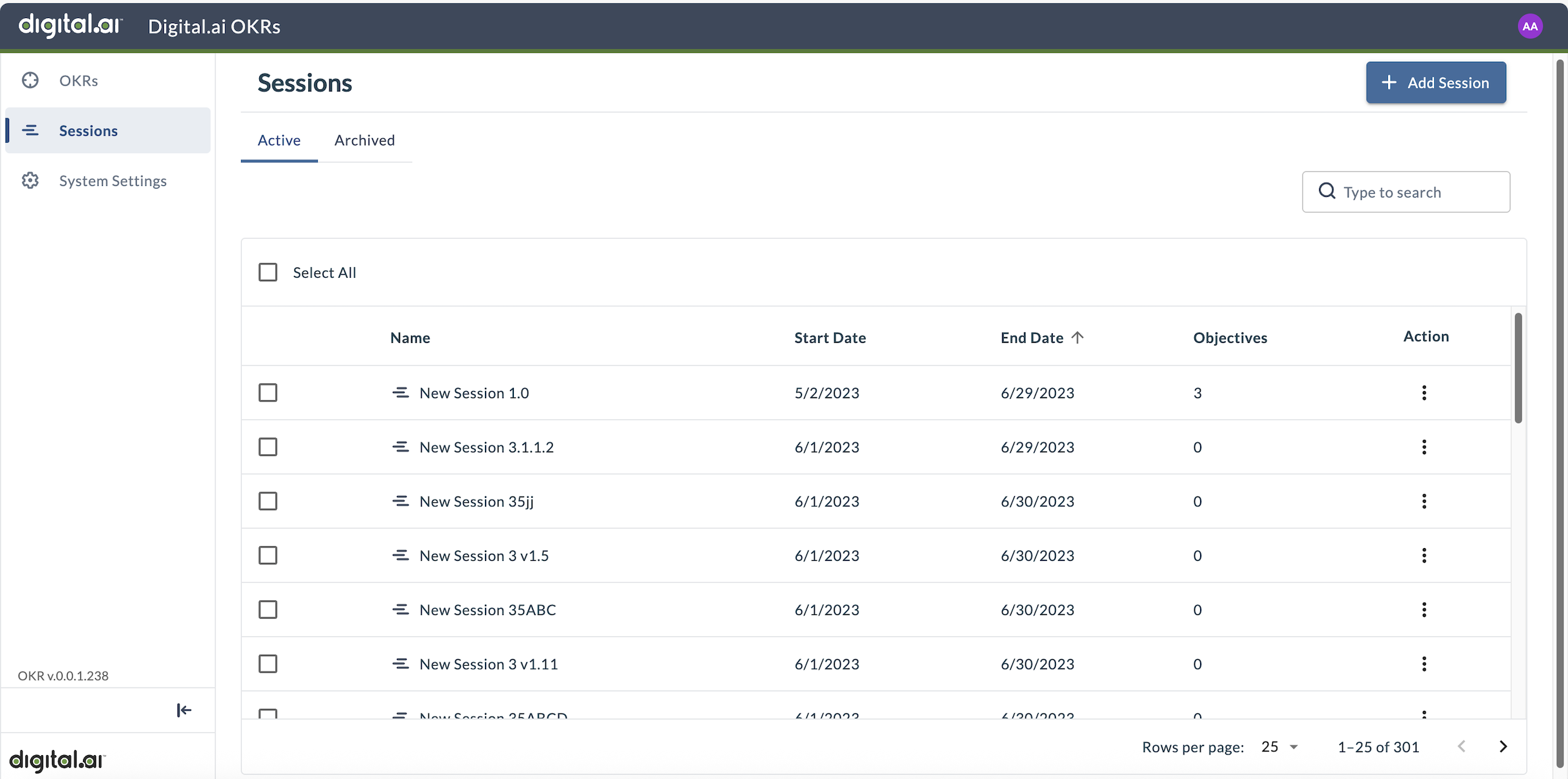
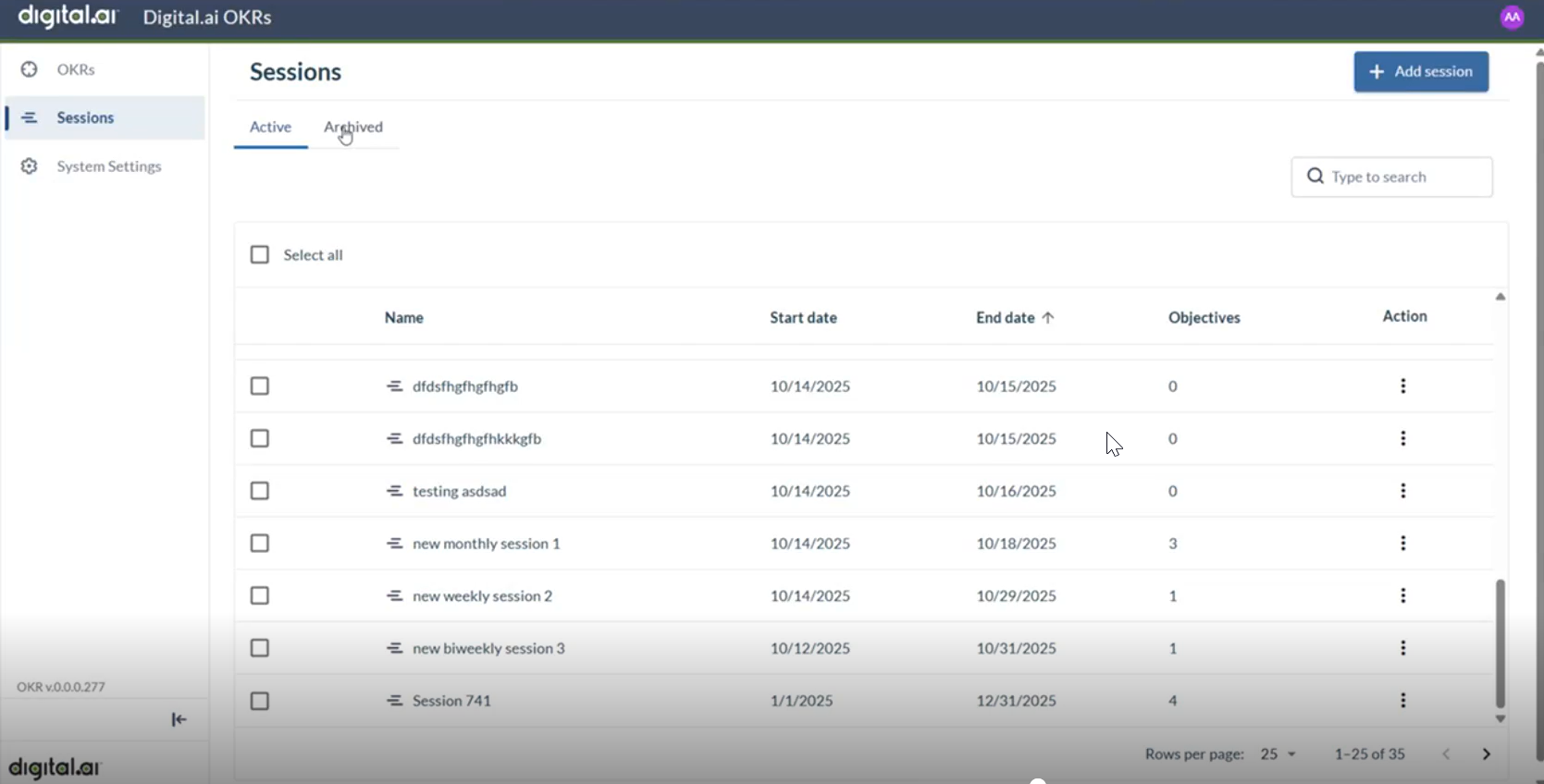
The Sessions page displays the following details:
- Name - The name of the session
- Start Date - The session start date
- End Date - The session end date
- Objectives - The number of objectives associated with the session
To sort by a column, click the column heading. Entries display in ascending order or from A to Z.
Add a New Session
- Click the hamburger menu > OKRs > Sessions.
- Click Add session.
- Provide the required details:
- Session title: Specify a name for the session (for example, "Q1 2025" or "2025 Annual Goals")
- Start Date: Specify the start date for the session
- End Date: Specify the end date for the session
- (Optional) Configure automated email reminders in the Notification frequency section. For detailed configuration options, see Email Notifications for OKRs.
- Click Save.
Validations display an error message when date values are incorrect or if the end date is earlier than the start date.
Edit a Session
- Click the hamburger menu > OKRs > Sessions.
- Locate the session you want to edit.
- Click the action menu (three vertical dots) and select Edit.
- Update the session details or notification frequency settings.
- Click Save.
Tips
- Choose meaningful session names that clearly indicate the time period (for example, "Q2 2025" instead of "Session 2")
- Align session dates with your organization's planning cycles (quarterly, annually, etc.)
- Configure session reminder notifications to keep teams on track
- Review session objectives regularly to ensure timely progress
Troubleshooting
Why can't I create a session?
Only administrators can create OKR sessions. If you need a new session, contact your OKR administrator or system administrator to request session creation.
Why don't I see a session in the dropdown when creating an OKR?
Only active sessions appear in the session dropdown. Archived sessions do not display. Contact your administrator to create a new session for the current planning period.
Can I move objectives from one session to another?
Yes. Edit the objective and change the session assignment in the Session field. This is useful when planning periods shift or when objectives extend beyond their original timeframe.
What happens to objectives when a session is archived?
Objectives remain accessible but the archived session no longer appears in the session dropdown for new OKRs. Existing objectives in archived sessions can still be viewed and reported on for historical analysis.
Related Topics
- Email Notifications for OKRs - Configure automated session reminders and other notifications
- Adding New OKRs - Create objectives and key results for your sessions