SeeTestAutomation- GetConnectedDevices
Please note that this tool is classified as a Legacy tool. We recommend transitioning to our updated solutions to maintain optimal performance and security in your workflows. For more information on this matter, please reach out to technical support .
GetConnectedDevices(****)
Description
This command will return a string of all devices currently available in the device list (on ready mode).
Parameters
No parameters.
Command will not return name of devices in offline mode.
Usage
Check the status of available devices on the device list.
Step 1: Add GetConnectedDevices() after initially setting a device.
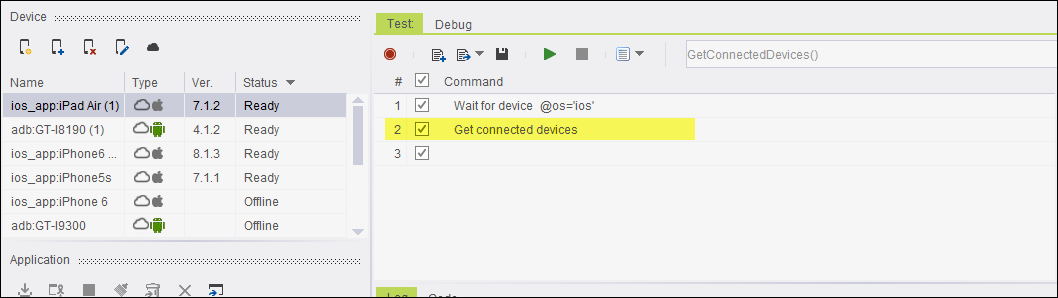
Step 2: When script will run, we will get the string of all connected devices available on the devices list that are on ready mode.

Code Examples
Java Example
String str1 = client.getConnectedDevices();
C# Example Expand source
string str1 = client.GetConnectedDevices();
VBScript Example Expand source
str0 = client.GetConnectedDevices (  )
Report
Python Example Expand source
var1 = self.client.getConnectedDevices()
Perl Example Expand source
my $str1 = $client->getConnectedDevices();